Manual Page 83
B.3.2 Output Option Show
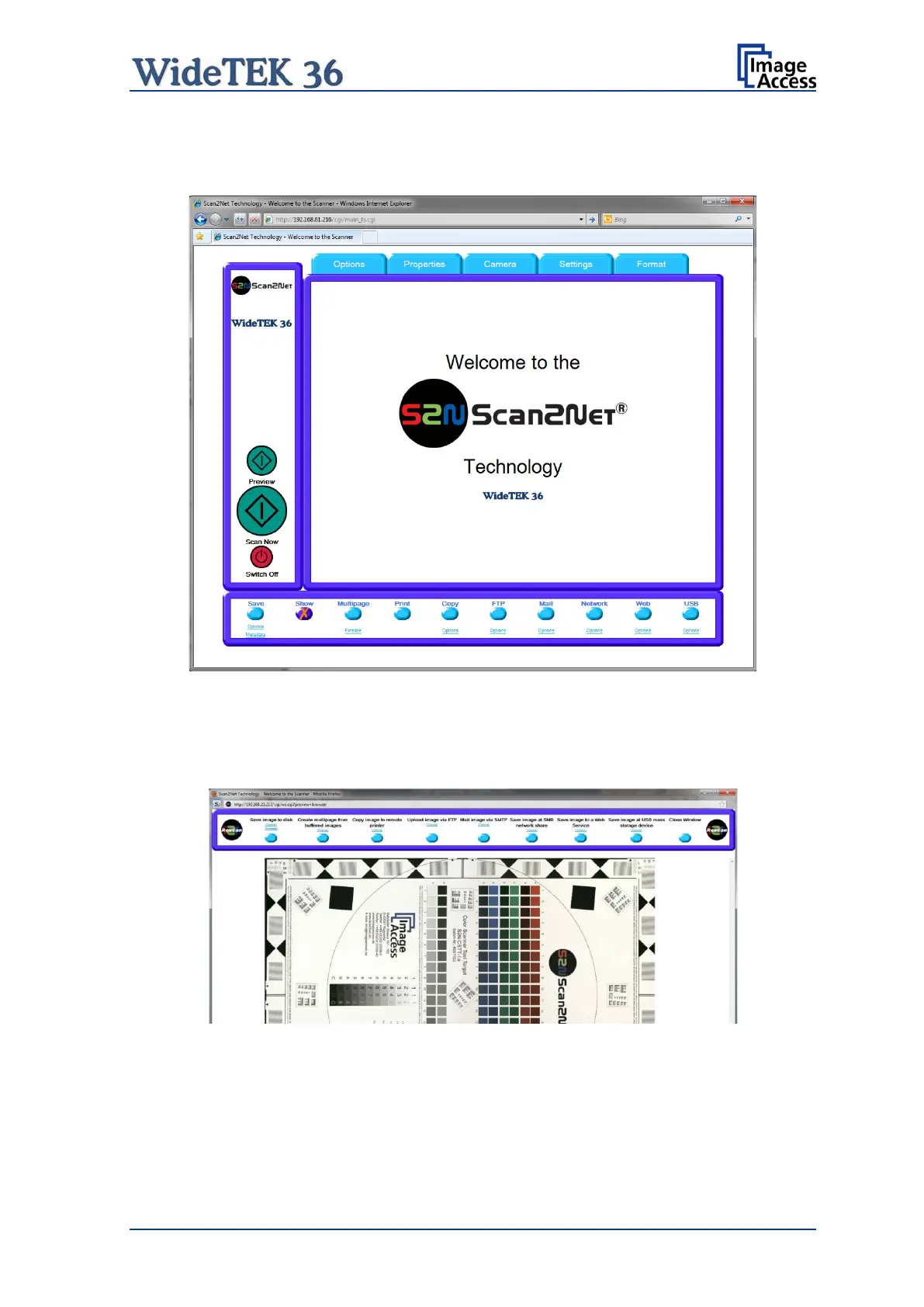
In most cases, the button Show is activated.
Picture 89: Output Option Show
After scanning, an additional window opens and shows the image.
The headline of the additional window contains identical buttons as the main window,
except the items Show and Print. The button Close Window closes this window.
Picture 90: Output Options in Scan Window
The functionality of the buttons is identical to the buttons as described in chapter B.3 and
its subchapter.










 To Next Page