Manual Page 29
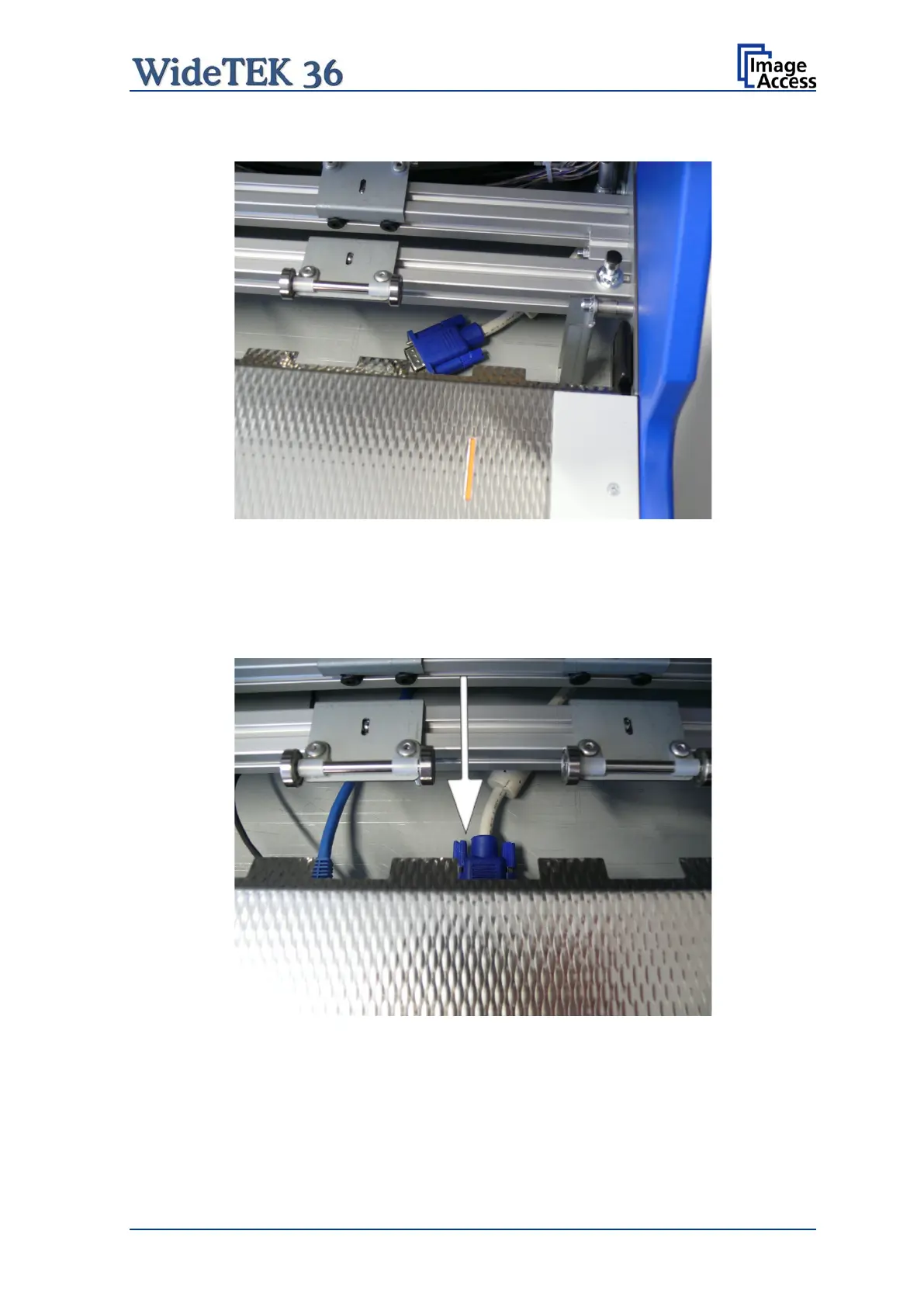
Position the signal cable nearby the VGA connector of the mainboard.
Picture 19: Guiding the cable to the connector
It is recommended to position the cable connector at its final position with the help of a
second person. One person can assist from the back of the scanner finding the VGA
connector while the second person inserts the cable into the connector.
Picture 20: VGA connector inserted
Finally insert the middle guide plate and close the upper unit.










 To Next Page