Manual Page 69
B.2.2 The Properties Screen
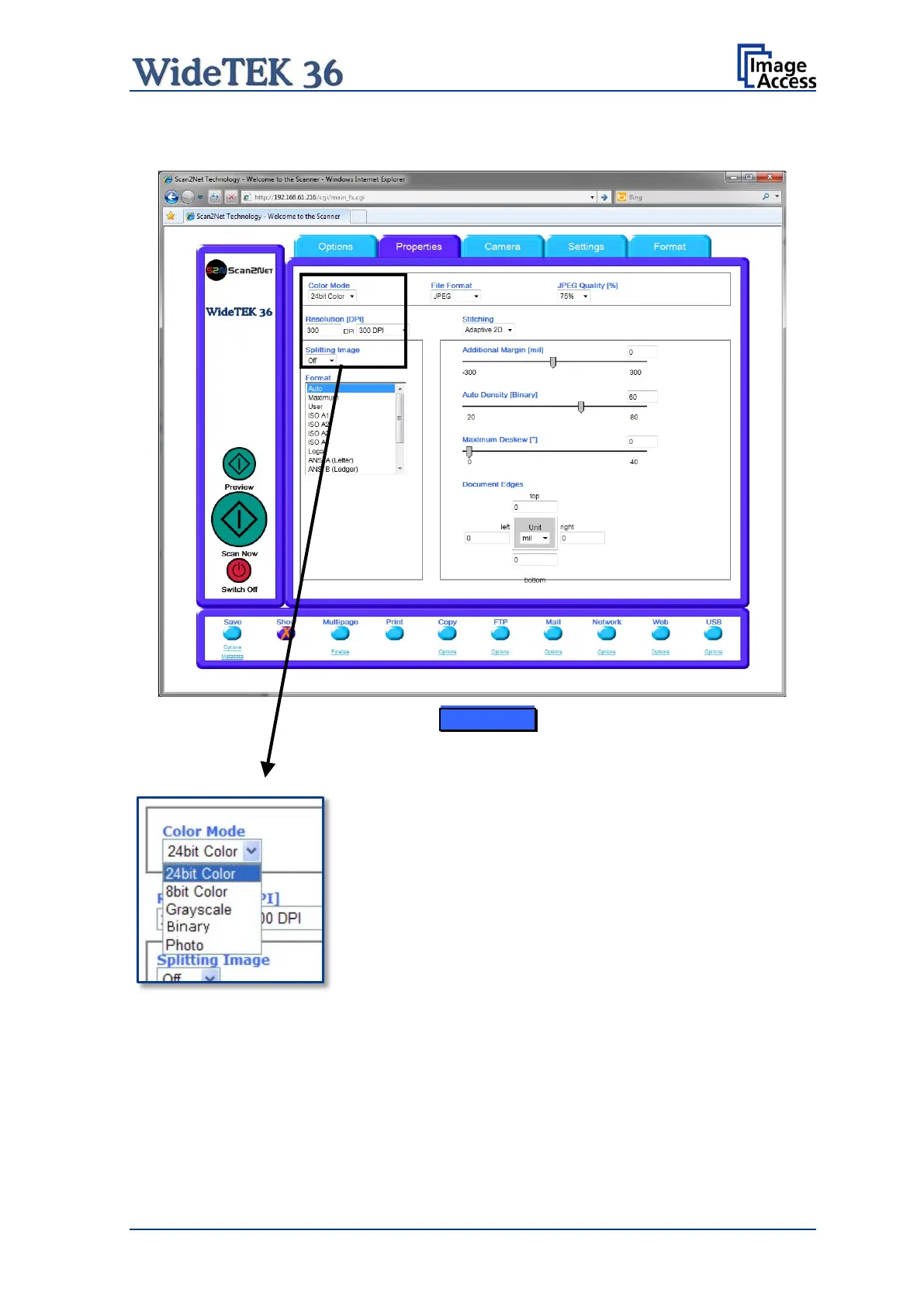
Picture 68: Properties screen
This mode allows the operator to select various different
color modes.
The available color modes are displayed in the picture on
the left.
To select a color mode first click on the selection arrow, then
select a mode from the list.











 To Next Page