Page 84 Manual
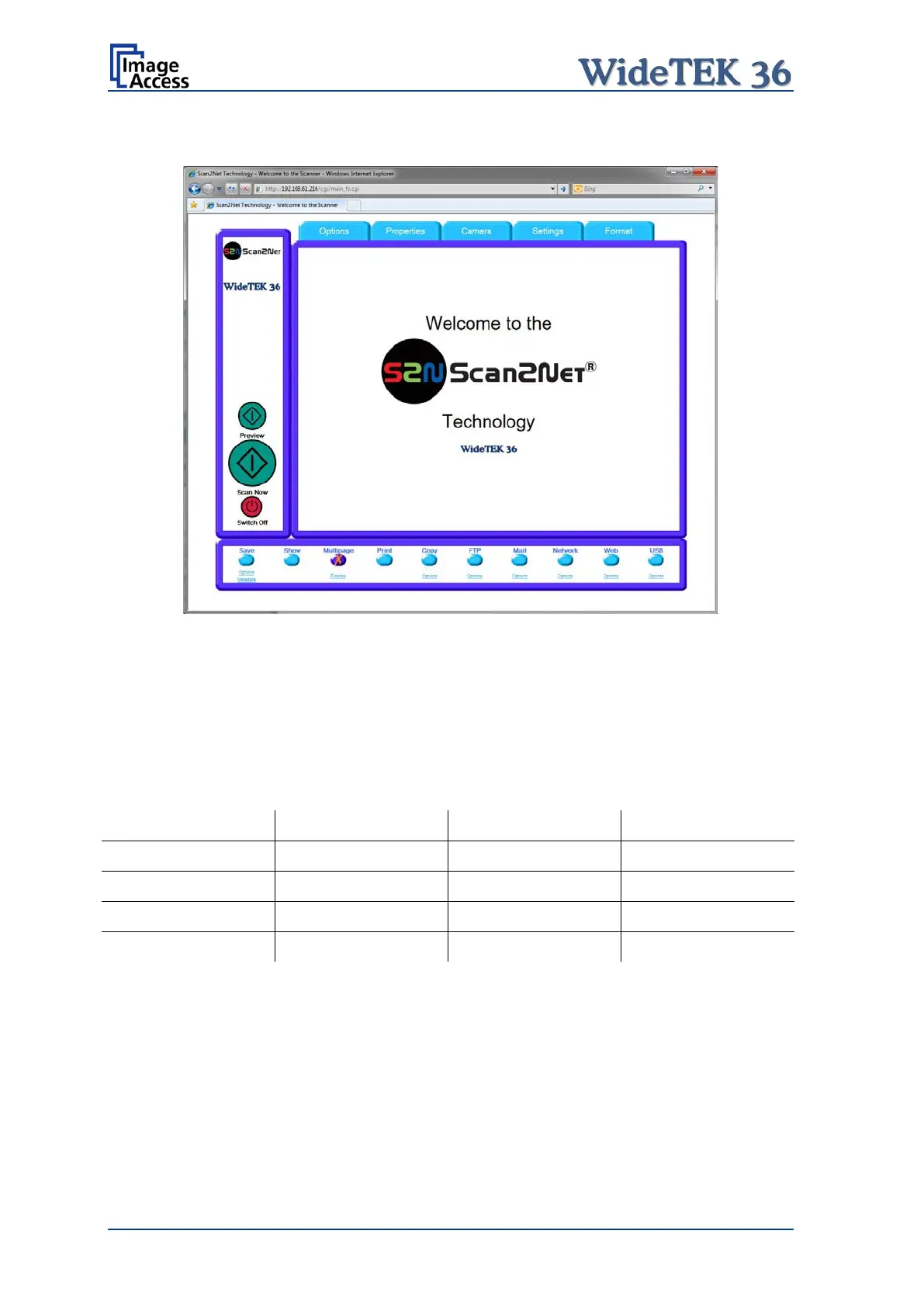
B.3.3 Output Option Multipage
Picture 91: Output Option Multipage
Selecting the output option Multipage allows saving scanned images in a so called
“Container” format. The available “Container” format depends on the file format of the
image (see chapter B.2.2)
Note: If Multipage is selected, a preview window will not open.
The table below shows the combinations of file format and “Container” format.











 To Next Page