Page 70 Manual
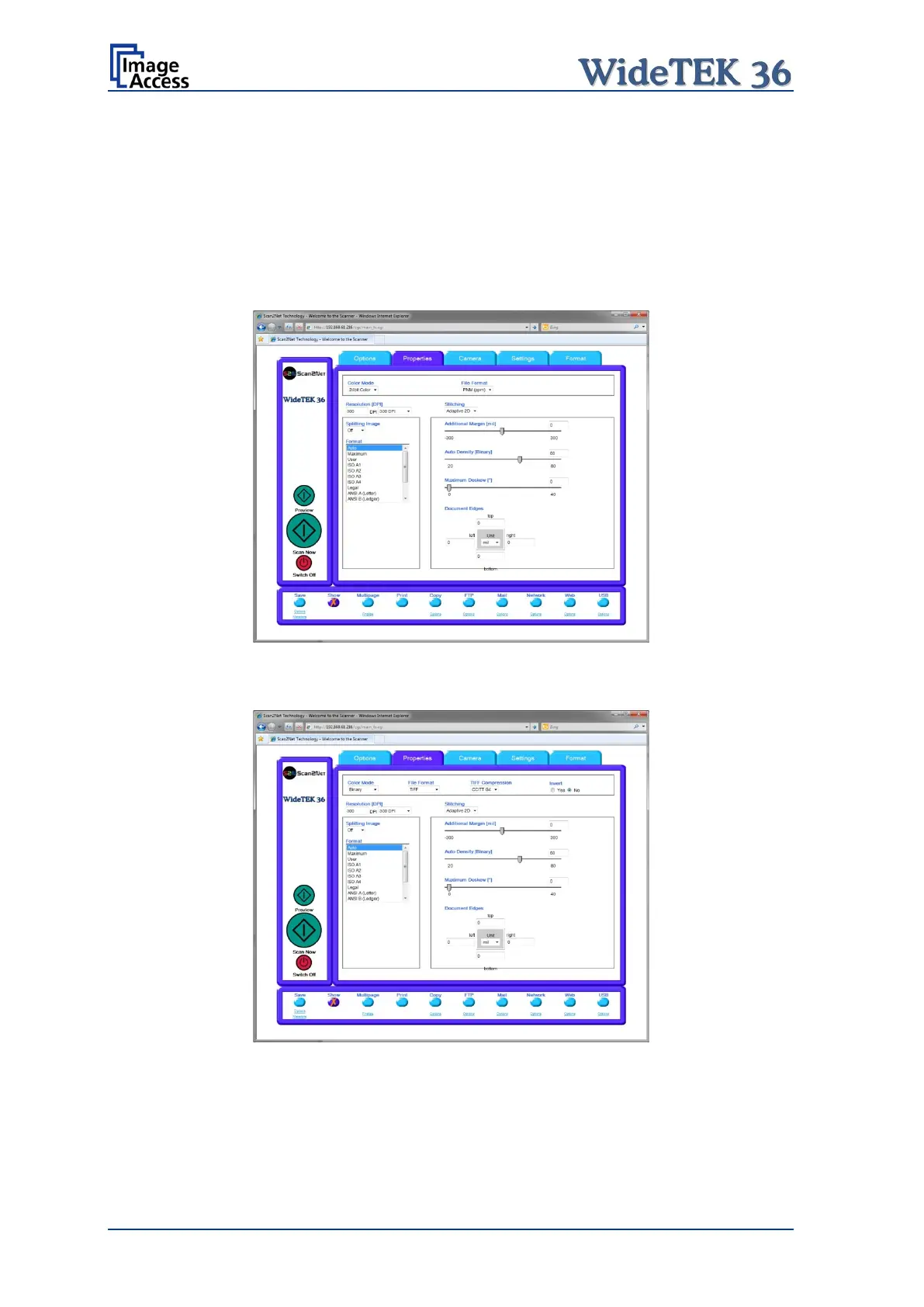
The File Format defines the file format that is used to store a scanned document.
Note: There are some interdependencies between Color Mode and File Format.
That means, it is not possible to combine all color modes with all file formats.
For example, if an image is scanned in “24bit Color” it cannot be stored in
TIFF G4 file format.
Depending on the selected file format the control right beside can vary:
Some examples:
Picture 69: 24Bit Color, File Format: PNM
Picture 70: Binary, File Format: TIFF with G4 compression










 To Next Page