Manual Page 113
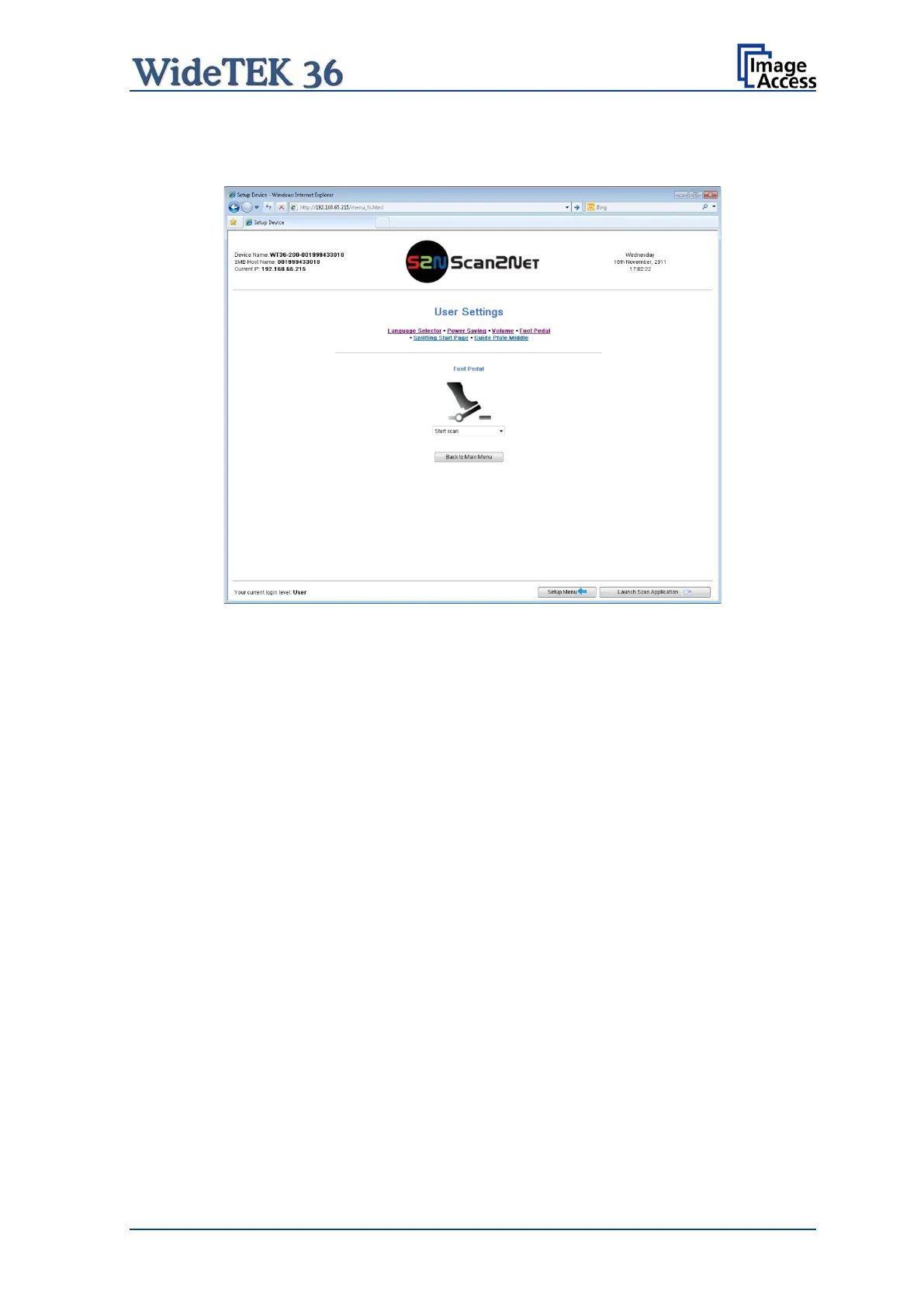
B.5.2.3.4 Foot Pedal
Click the button Foot Pedal to define a function for the foot pedal.
Picture 113: Foot pedal settings
The scanner has a foot pedal connector on its left side, seen from the operators position
(Picture 3). For the foot pedal a specific action can be defined.
Select from the drop-down list which action should be executed when the pedal is
operated.
Starts the scan with the selected scan area size.
Starts the scan with the selected scan area size and
rewinds it after the scan to its start position.










 To Next Page