Manual Page 37
A.17.7 Stitch Test
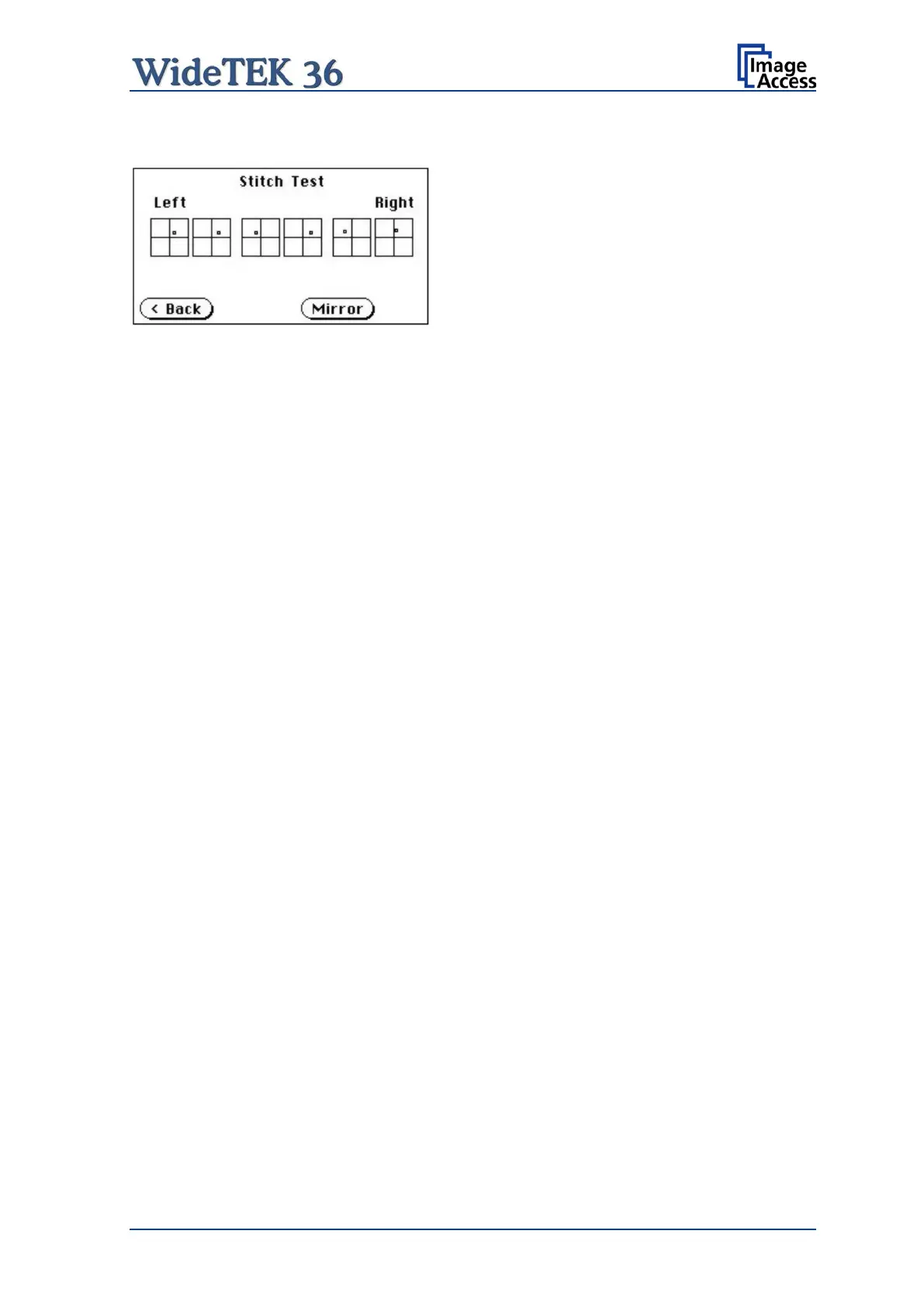
Picture 33: Stitch Test screen
Press the Stitch Test button to start the stitch test. This starts a program in which you can
see an automatically updated view of the stitching indicators for each camera. The
measurement will be executed continuously, once every second.
The cameras left, middle and right are identified as the left, middle and right cameras
when looking at the scanner from the operator’s view (i.e. from the front of the scanner).
Each camera has a set of two stitching coordinate boxes. A stitching coordinate box exists
of four quadrants.
Picture 33 shows a typical situation of the stitching indicators. That means that the
settings of all cameras are in the specified tolerances.
Ideally, the stitching indicators (the small dots inside the four-quadrant boxes) should be
positioned close to the center of the crosshairs.
If a stitching adjustment is necessary, it has to be done by a trained technician.
A.17.8 EMV Test
This function is used for Electromagnetic Compatibility (EMC) tests.
After inserting a test document into the scanner, the scan sequence is repeated until the
STOP button is pressed.











 To Next Page