Manual Page 115
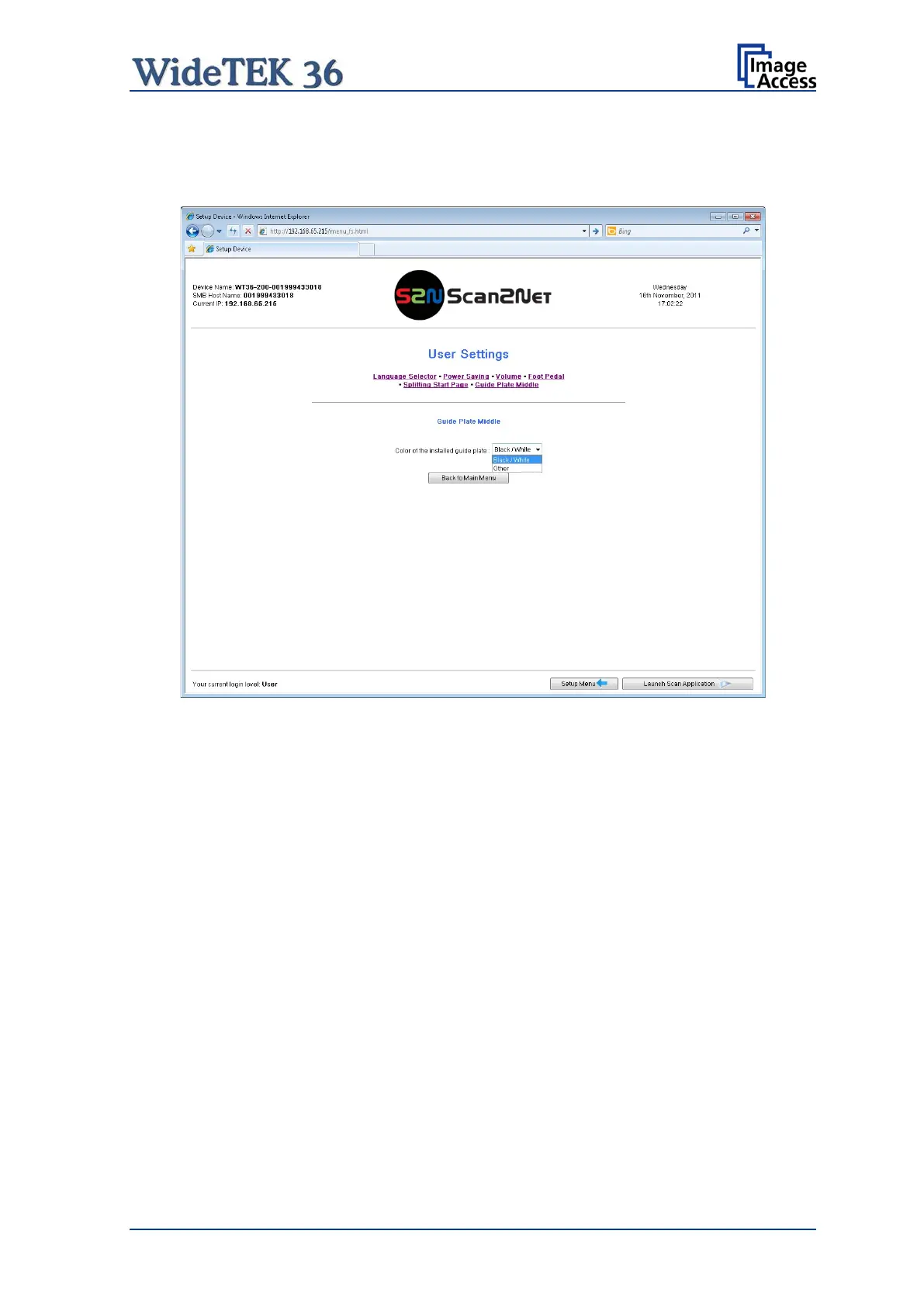
B.5.2.3.6 Guide Plate Middle
Click the button Guide Plate Middle to define the type of guide plate which is installed in
the scanner.
Picture 115: Guide Plate Middle
The WideTEK 36 scanner can be equipped with different colored types of guide plates.
Black / White: The standard guide plate is black colored.
For transparent documents a white guide plate is available as an option.
Other: When replacing the guide plate with a guide plate colored other than
black or white, select this setting
When changing the guide plate from black to white or to any other color or reverse, the
scanner must be restarted to detect the changing and to reconfigure its parameters.
.











 To Next Page