Page 104 Manual
B.4 Information
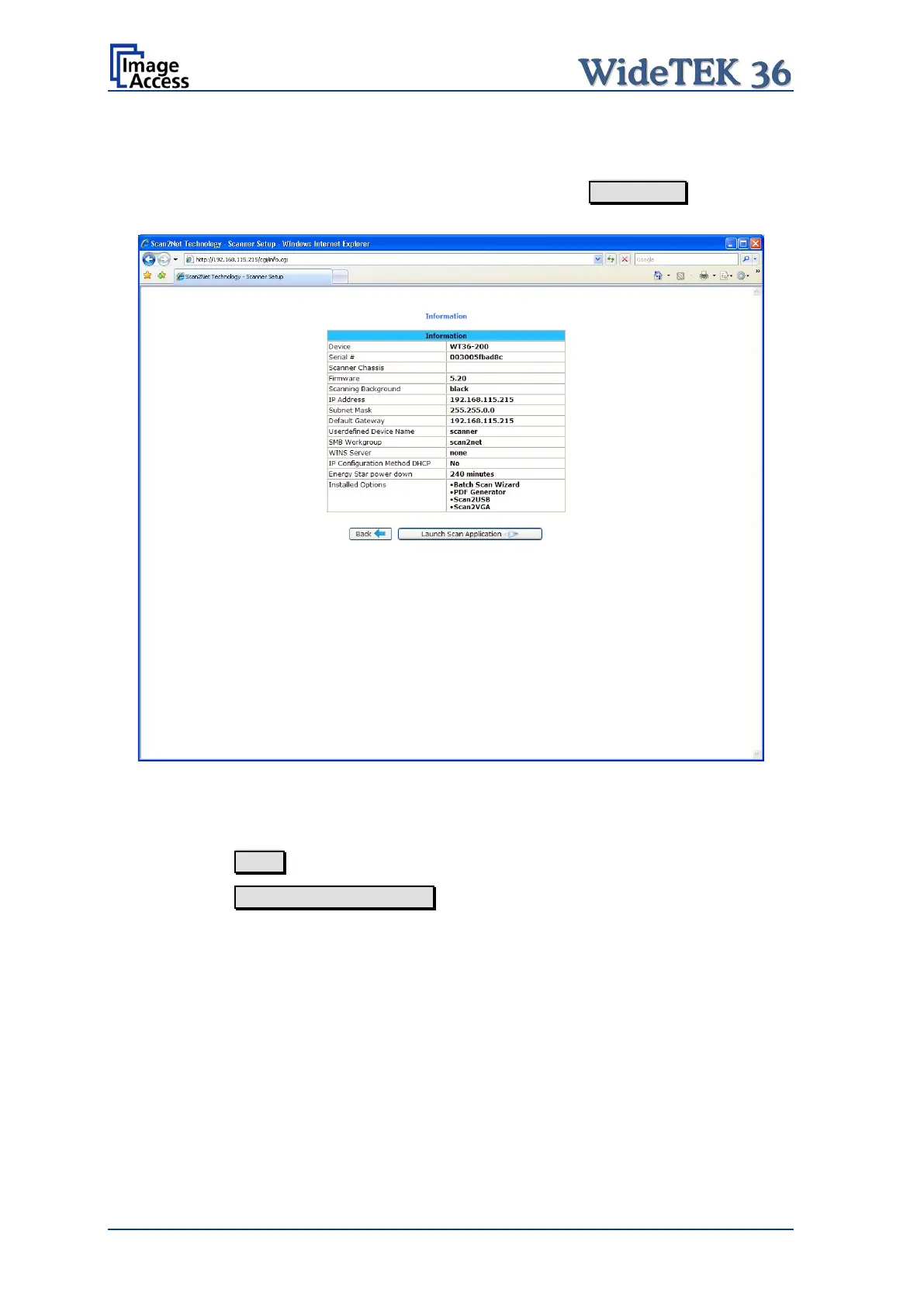
The start screen (Picture 64) shows three buttons. The button Information gives a short
summary of the device parameters.
Picture 104: Information
The screen is helpful if technical support is necessary. It shows e.g. the exact device type,
the installed firmware version as well as currently installed options.
Click the button Back to return to the start screen.
Click the button Launch Scan Application to switch to the main screen (Picture 65).











 To Next Page