Page 74 Manual
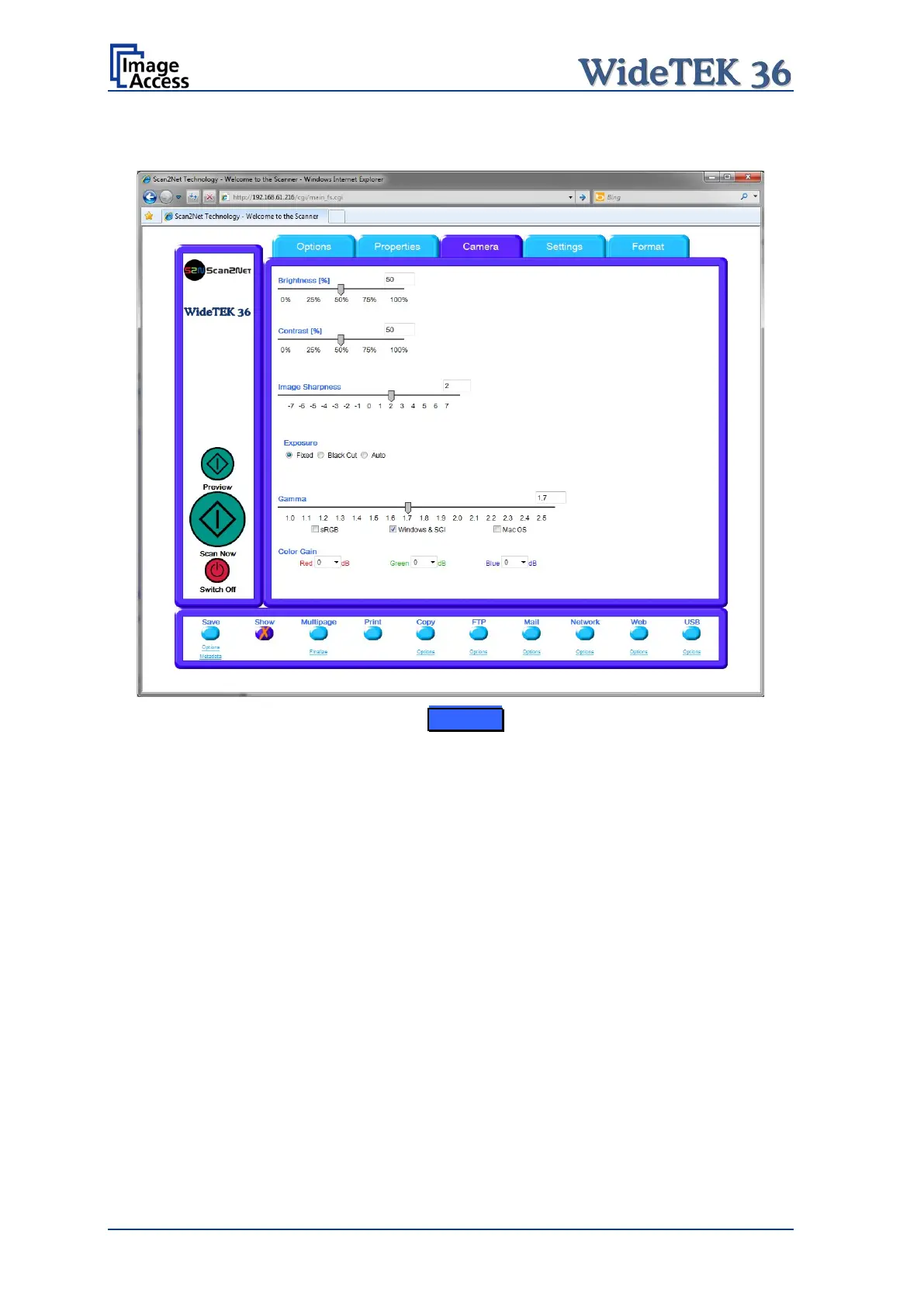
B.2.3 The Camera Screen
Picture 75: Camera screen
The Brightness slider defines the brightness of the resulting image. Lower brightness
values make the image darker.
The Contrast slider defines the contrast of the resulting image. Higher contrast values
show more details. If scanning in binary (i.e. Binary, Photo Mode), the behavior of the
contrast slider changes.
The Image Sharpness slider invokes an advanced algorithm which sharpens the image
according to the local content of a given area.










 To Next Page