EasyManua.ls Logo

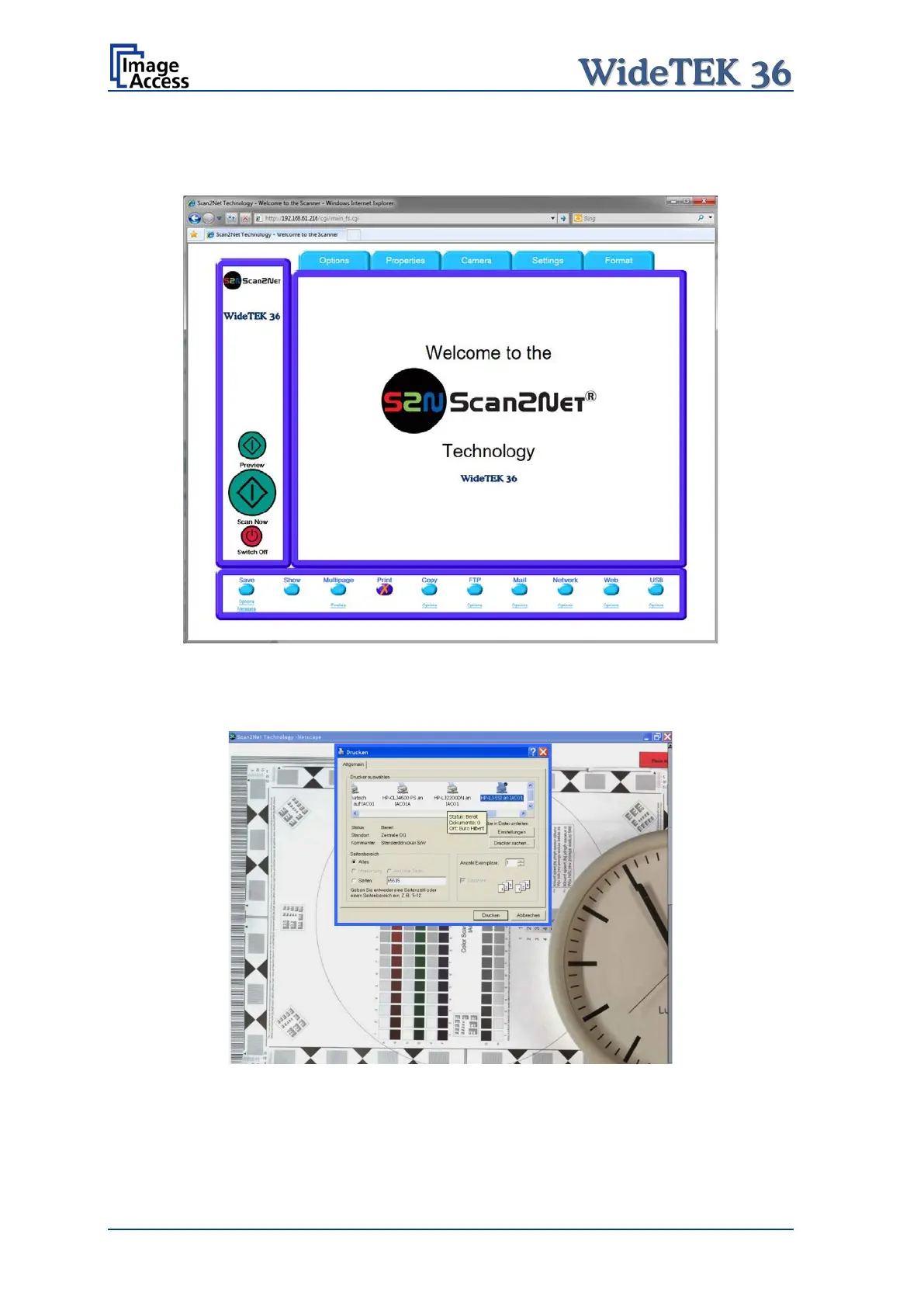
Image Access WideTEK 36 - Picture 93: Output Option Print; Picture 94: Available List of Printers for Option Print

Image Access WideTEK 36
124 pages
Print Icon
To Next Page IconTo Next Page
To Previous Page IconTo Previous Page
Loading...
Page 86 Manual
B.3.4 Output Option Print
This output option prints the image at a locally configured printer.
Picture 93: Output Option Print
After the scan is executed, the standard printer interface opens. The user can select one
of the available printers.
Picture 94: Available List of Printers for Option Print

Table of Contents

Other manuals for Image Access WideTEK 36

Related product manuals