Page 38 Manual
A.17.9 Sensor Test
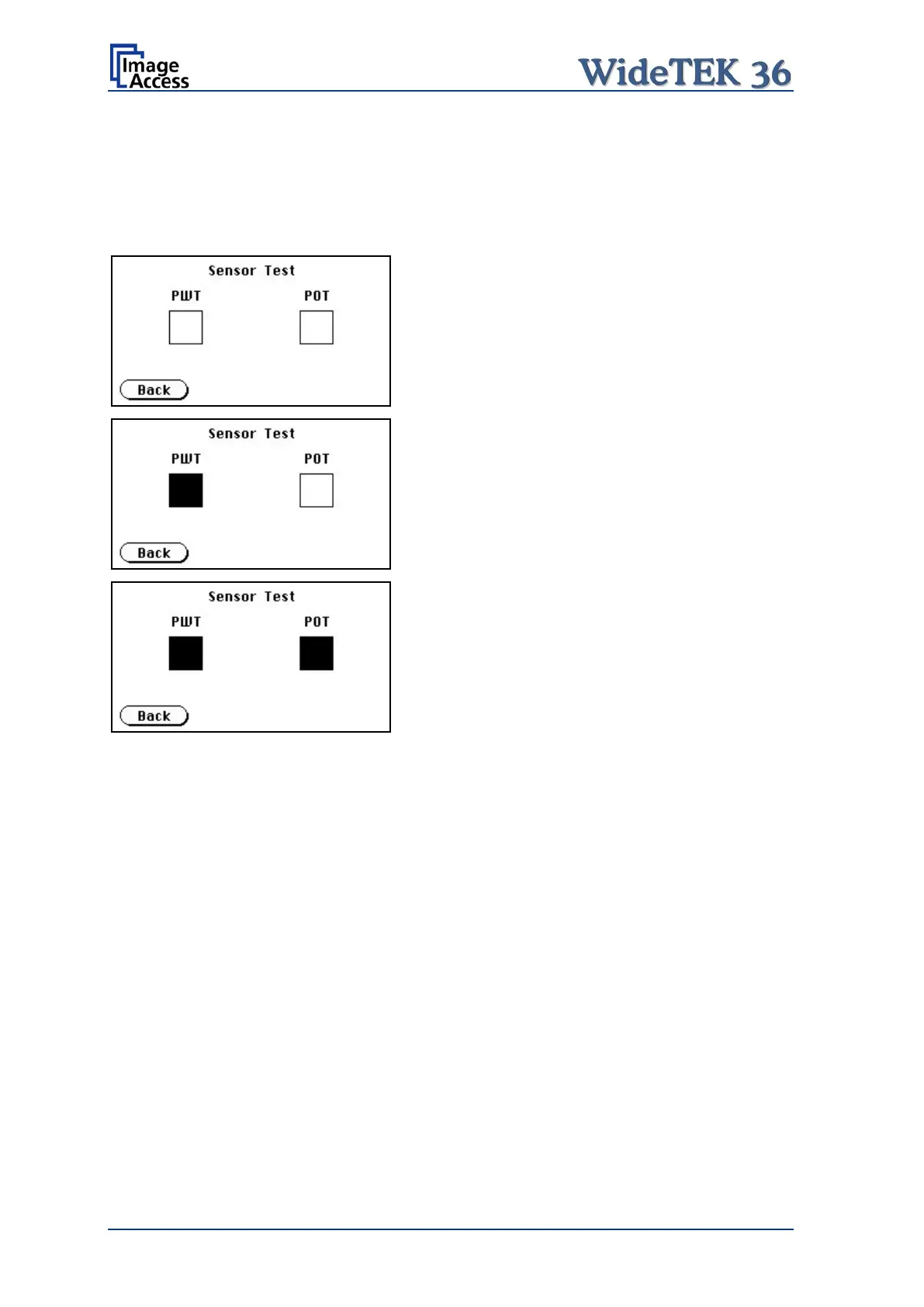
The Sensor Test function is used to test the sensors of the paper input and paper output.
Insert a paper sheet which covers the whole width of the document input.
The touch screen shows the function of the sensors in three ways.
No paper detected by the sensors.
Paper detected at input side (PWT).
Paper detected at input side (PWT) and at
output side (POT).
Picture 34: Sensor status
A.17.10 Shutdown Scanner
Touch this button to switch the WideTEK 36 scanner off.











 To Next Page