SD1 Series Inverters Optional Peripheral Accessories
-158-
Noise filter on output side: This filter can be used to reduce the radio noise caused between
the inverter and motor as well as the leakage current of the lead wires.
SD1-RFC3-10
SD1-RFC3-7
Note:
The input EMI meet the requirement of C3 after adding input filters.
Above options are external, the customer should indicate when purchasing.
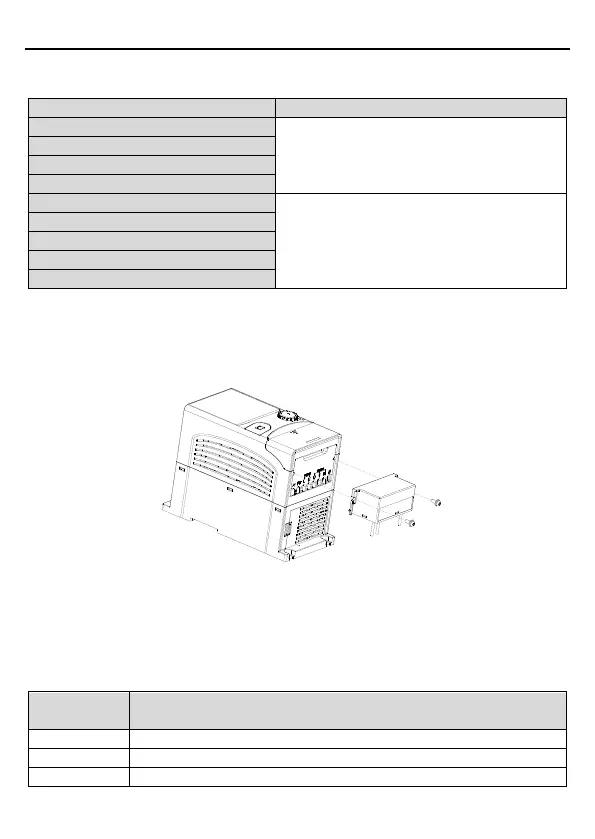
C.6.3 installation instruction for C3 filter
The installation procedures for C3 filter are as below:
1. Connect the filter cable to the corresponding input terminal of the inverter according to the
label.
2. Fix the filter onto the inverter with M3*10 screws (as shown in above picture).
C.6.4 C2 filter type instruction
Character
Detailed Instruction



 To Next Page