SD1 Series Inverters Fault Tracking
-107-
1. Stop the drive and disconnect it from the power line. Wait for at least the time designated on
the inverter.
2. Check the tightness of the power cable connections.
3. Restore power.
6.2 Fault Solution
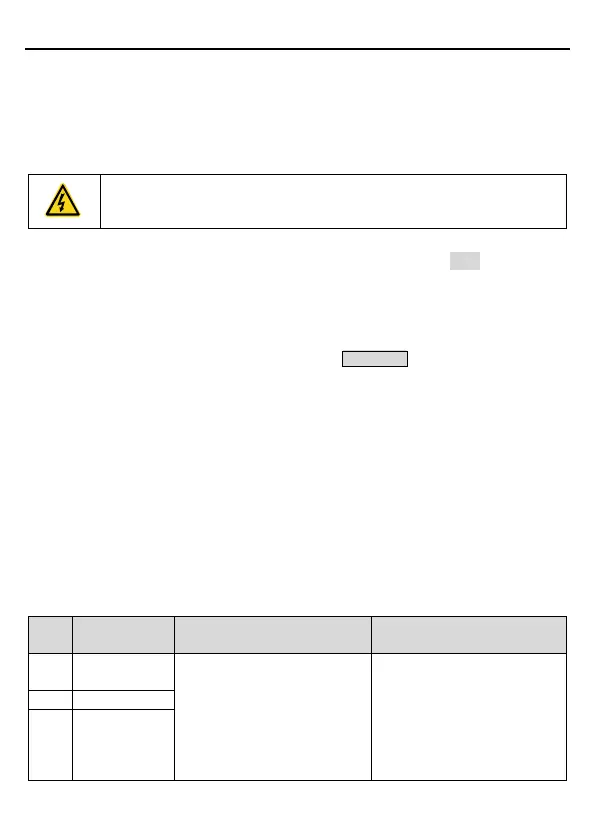
Only qualified electricians are allowed to maintain the inverter. Read the
safety instructions in Chapter 1 "Safety Precautions
" before working on the
6.2.1 Indications of alarms and faults
Fault is indicated by LEDs. See Chapter 4 "Keypad Operation". When TRIP light is on, an
alarm or fault message on the panel display indicates abnormal inverter state. Using the
information given in this chapter, most alarm and fault causes can be identified and corrected.
If not, contact the IMO office.
6.2.2 Fault reset
The inverter can be reset by pressing the keypad key STOP/RST, through digital input, or by
switching the power light. When the fault has been removed, the motor can be restarted.
6.2.3 Inverter faults and solutions
W
hen a fault occurred, handle the fault as follows.
1. Check to ensure there is nothing wrong with the keypad. If faulty, please contact the local
IMO office.
2. If there is nothing wrong, please check P07 and ensure the corresponding recorded fault
parameters to confirm the actual state when the present fault occurs by checking all the
parameters.
3. See the following table for detailed solution and check the corresponding abnormal state.
4. Eliminate the fault and if need be ask for assistance.
5. Check to eliminate the fault and carry out fault reset to run the inverter.
Fault
Fault type Possible cause Solutions
OUt1
Acceleration is too fast.
IGBT module damaged.
Misacts caused by
interference.
The connection of the drive
wire is not good.
Increase acceleration time.
Replace the power unit.
Check drive wires.
Check whether there is
strong interference caused
by external equipment.
OUt3 IGBT Ph-W fault



 To Next Page