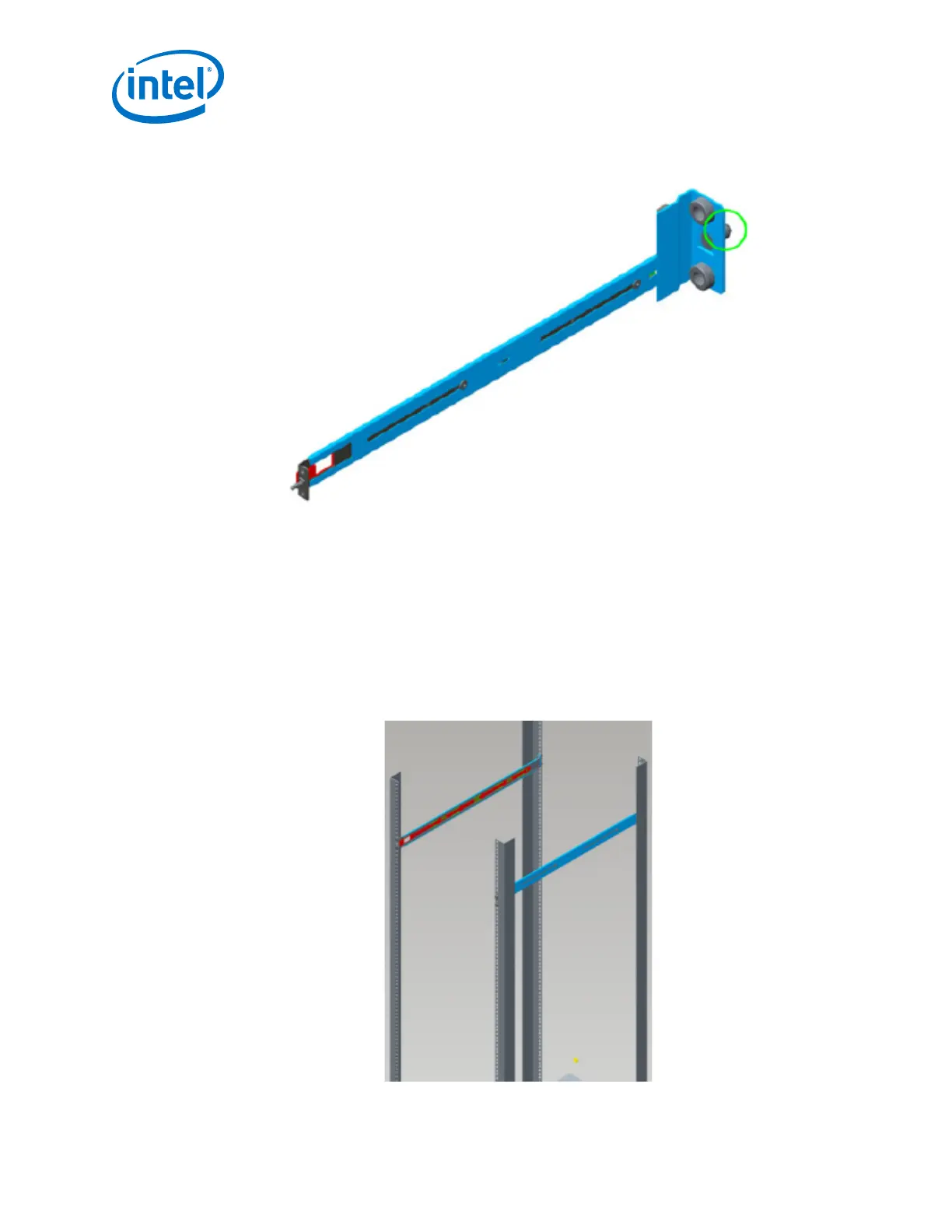
Figure 6. Rail Installation Pin
a. Fasten the rail using two (2) M6 screws.
b. Torque screws to 30 in-lb.
c. Repeat this step for the second rail.
2. Fasten the port-side rails using four (4) M6 screws.
a. Torque screws to 30 in-lb.
Note the orientation of mounting rails in the following figure. The rails are
shown from the front side of the rack.
Figure 7. Installed the Rack Rails
Intel
®
Omni-Path Fabric—Installation
Intel
®
Omni-Path Fabric Switches Hardware
Installation Guide June 2019
34 Doc. No.: H76456, Rev.: 10.0



 To Next Page