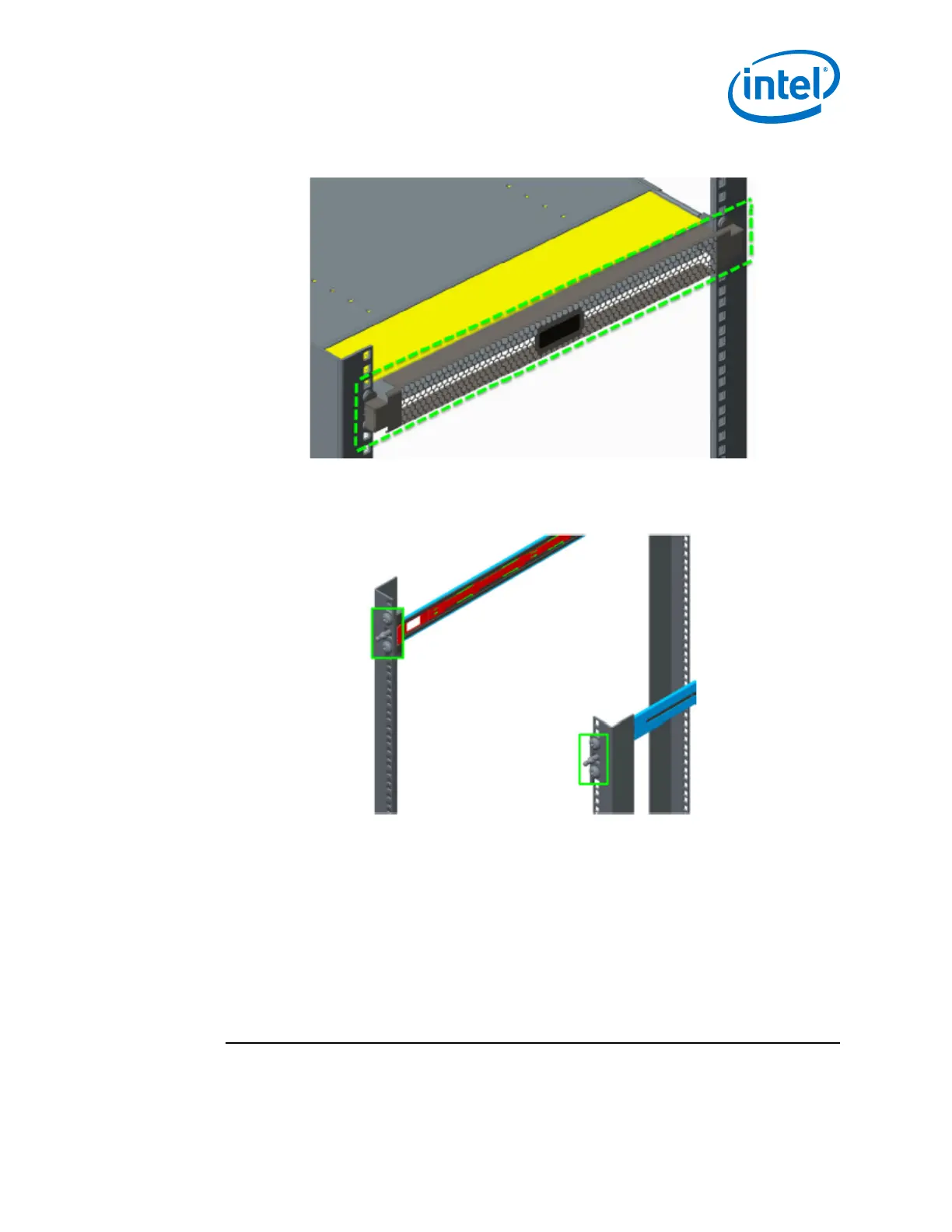
Figure 17. Switch Fascia
The fascia is installed by snapping it in place onto the switch rail posts.
Figure 18. Rail Posts for Fascia Installation
Reversing the Fan Airflow
This section details the procedure to reverse the airflow on the switch fan assembly
from the default port-side exhaust position.
Tools Required
• ESD wrist strap
• #0 Phillips screwdriver
Procedure
NOTE
Before removing the cover from the switch, first disconnect the power cord(s).
2.3.5
Installation—Intel
®
Omni-Path Fabric
Intel
®
Omni-Path Fabric Switches Hardware
June 2019 Installation Guide
Doc. No.: H76456, Rev.: 10.0 41



 To Next Page