• Off: the system functioning normally.
• Steady Amber: the system requires some attention, which could indicate one of
the following conditions:
— The switch temperature is at a warning level
— The switch silicon temperature is at a warning level
— DC voltages on the board are slightly out of tolerance
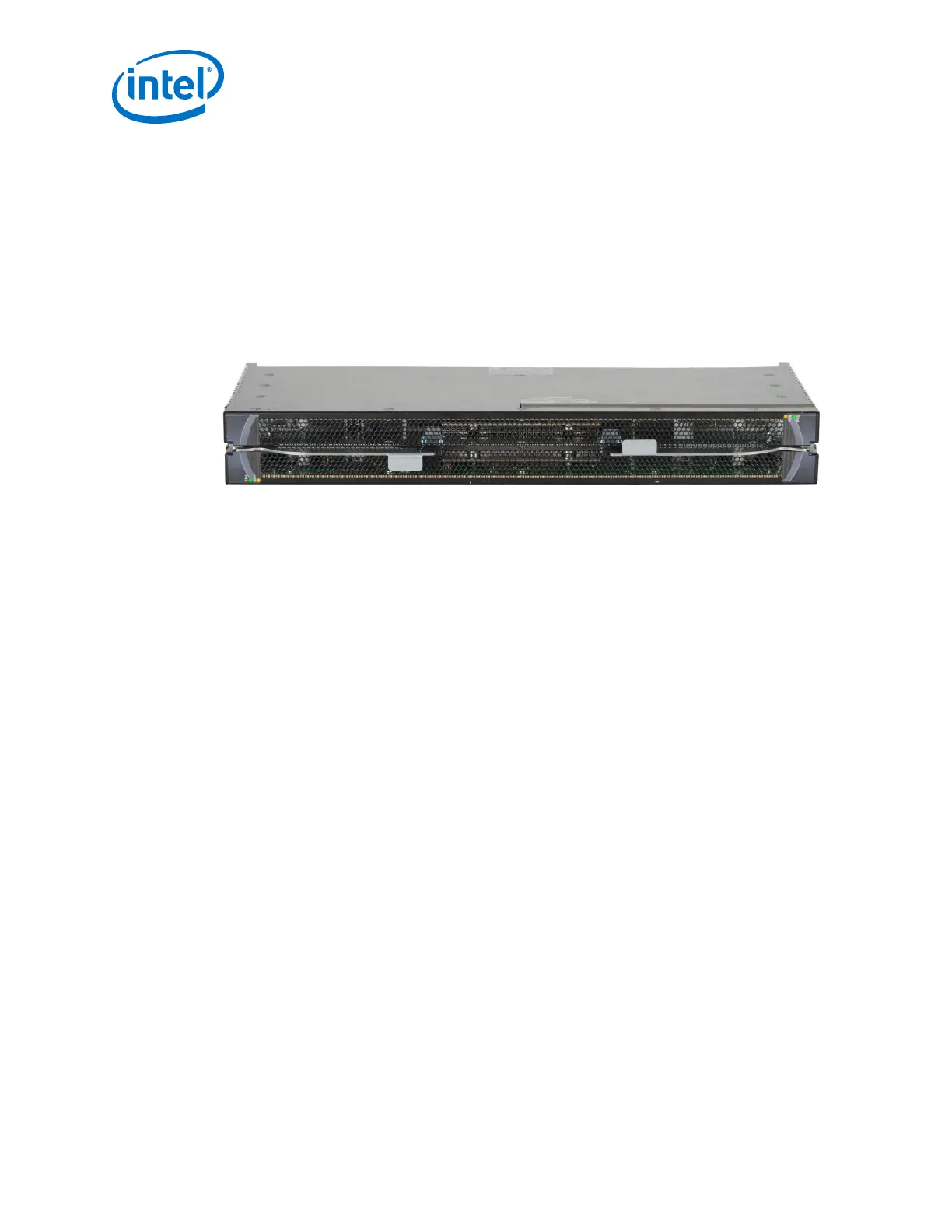
Spine Module LEDs
Figure 67. Spine Module LEDs
Module Status (Stat)
The status LED indicates one of the following conditions:
• Steady Green: the module is operating normally.
• Blinking Green: LED test state.
• Off: module is in the removable state.
Module Attention (Attn)
The Attention LED indicates one of the following conditions:
• Off: the system functioning normally.
• Steady Amber: the system requires some attention, which could indicate one of
the following conditions:
— The switch temperature is at a warning level
— The switch silicon temperature is at a warning level
— DC voltages on the board are slightly out of tolerance
• Blinking Amber (once every four seconds): LED test state.
2.8.2.3
Intel
®
Omni-Path Fabric—Installation
Intel
®
Omni-Path Fabric Switches Hardware
Installation Guide June 2019
82 Doc. No.: H76456, Rev.: 10.0



 To Next Page