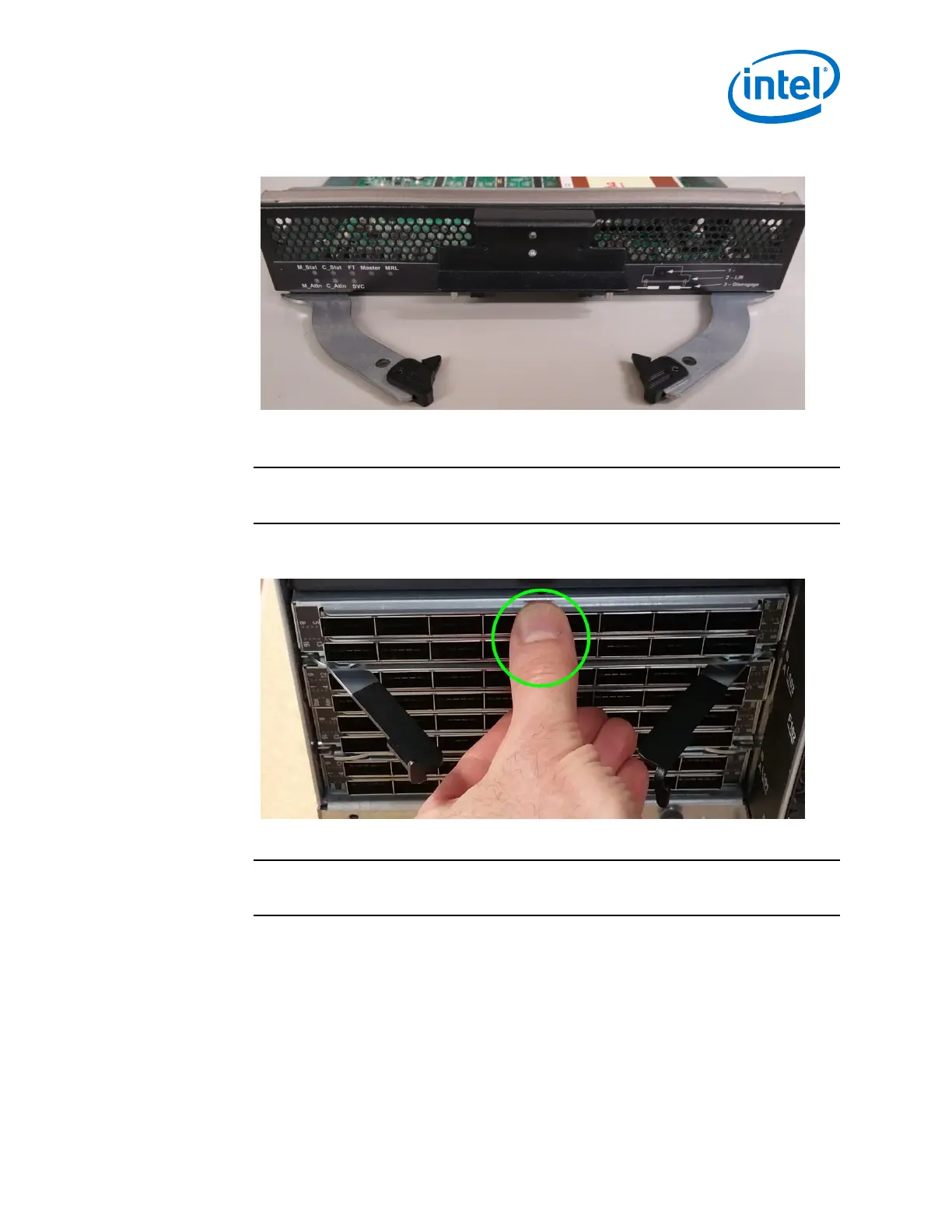
Figure 45. Module Installation 2
2. Slide the module straight into an applicable open slot until it engages with the
backplane connector.
CAUTION
Never push on the release arms when sliding the modules into the applicable
slots. Always apply pressure to the middle of the module as shown below.
Figure 46. Module Installation 3
3. Push the release arms in until they lock in place.
NOTE
The 48-port leaf module release arms will lock in place correctly; however the
module will protrude slightly from the leaf slot. This is normal.
4. Management Module only: Lower the MRL latch into the holes of the release
arms. Doing this allows the MM to communicate with the SEEB module on the
other side of chassis as shown in the following figure.
Installation—Intel
®
Omni-Path Fabric
Intel
®
Omni-Path Fabric Switches Hardware
June 2019 Installation Guide
Doc. No.: H76456, Rev.: 10.0 63



 To Next Page