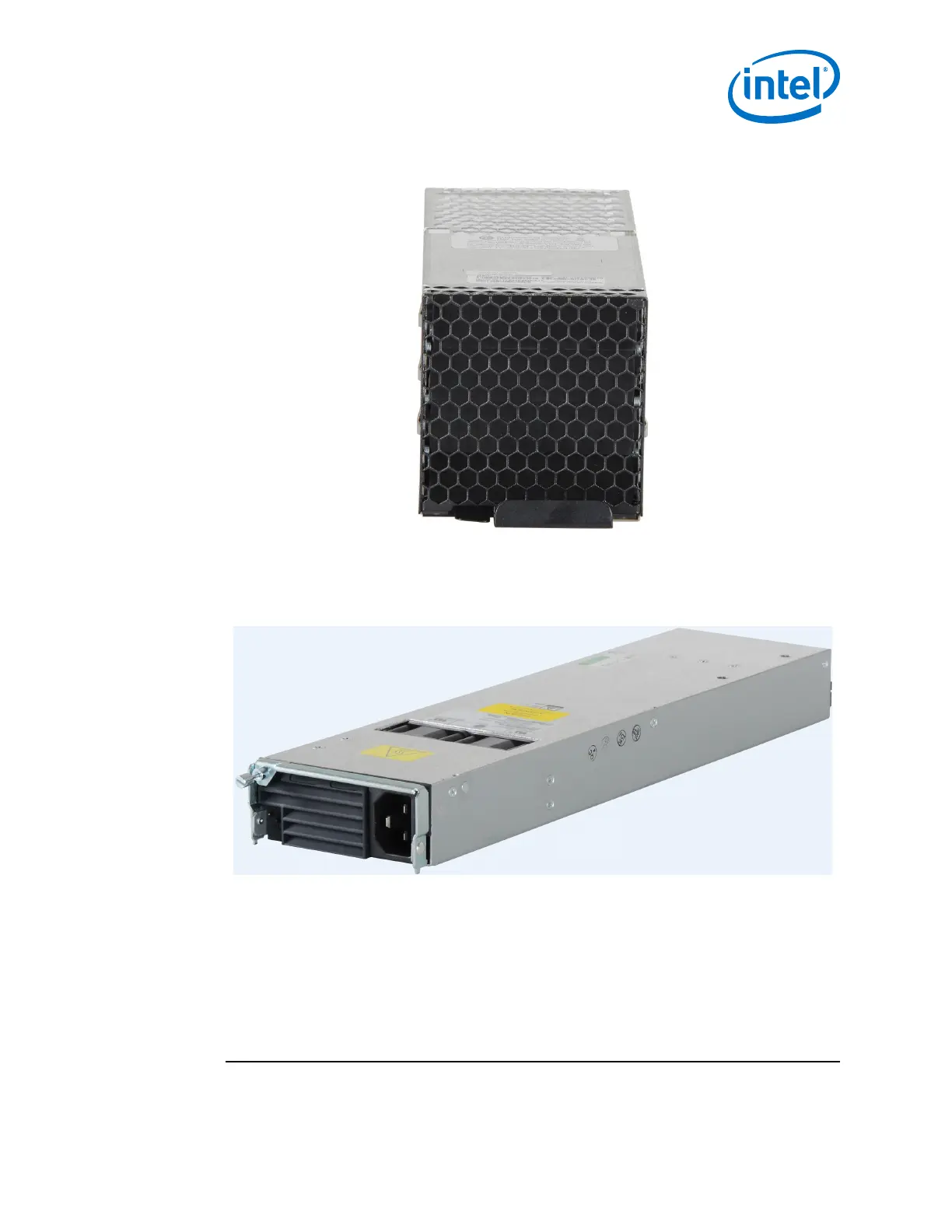
Fans
1. Slide the fan module straight into an applicable open slot until it engages with the
backplane connector.
Power Supplies
1. Loosen the thumbscrew until it disengages from the power supply unit.
2. Pull the handle down.
3. Slide the module straight into an applicable open slot until it engages with the
backplane connector.
4. Push the handle back up and reconnect the thumbscrew.
Installing the Edge Switch Hot-Swap Power and Fan Modules
2.4.5.2
2.4.5.3
2.4.6
Installation—Intel
®
Omni-Path Fabric
Intel
®
Omni-Path Fabric Switches Hardware
June 2019 Installation Guide
Doc. No.: H76456, Rev.: 10.0 65



 To Next Page