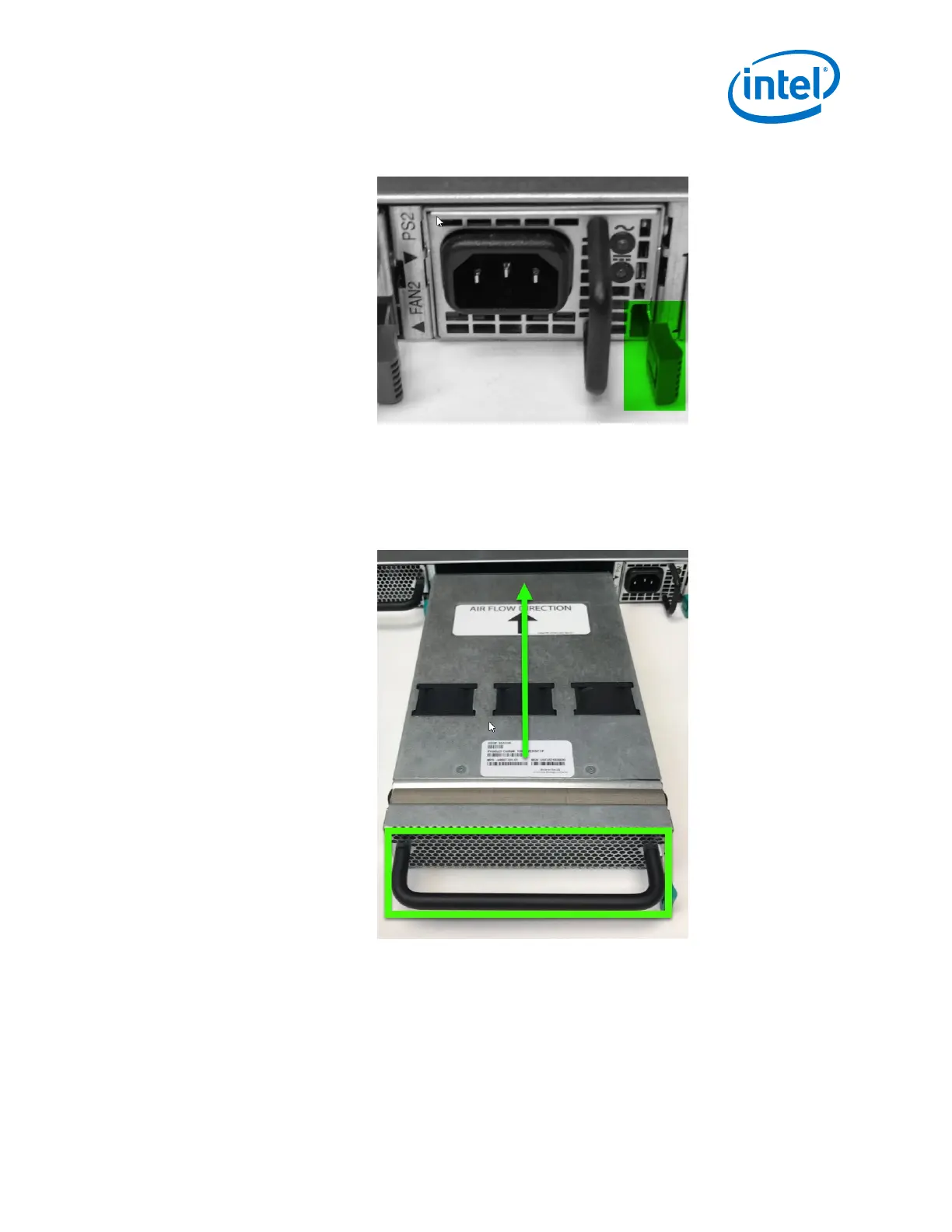
Figure 50. Edge Power Supply Install 2
Fans
1. Grasp the module by the handle and slide into an open slot until the unit engages
with the connector.
Figure 51. Edge Fan Supply Install 1
2. When fully inserted, the module sits flush with the chassis and the thumb tab is
locked as shown.
2.4.6.2
Installation—Intel
®
Omni-Path Fabric
Intel
®
Omni-Path Fabric Switches Hardware
June 2019 Installation Guide
Doc. No.: H76456, Rev.: 10.0 67



 To Next Page