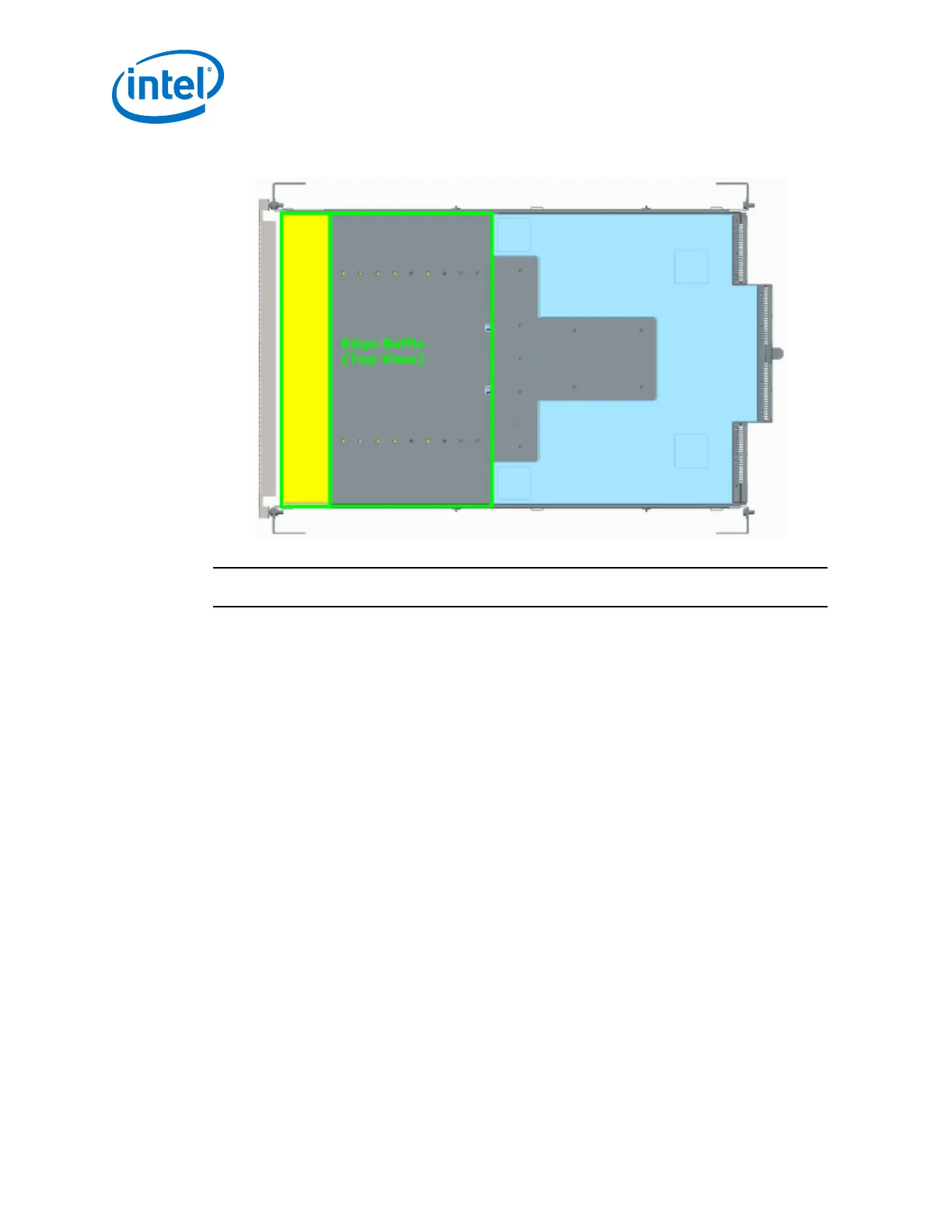
Figure 11. Edge Baffle (Top View)
NOTE
Installation of the baffle(s) take place after the edge switch has been rack mounted.
1. Unlock the rail system by pulling the handles out.
2. Guide the baffle onto the rails, then slide the baffle into the rack until it stops
against the edge switch.
a. Baffle Extension(s): Each baffle (i.e., top and bottom) has an extension
(shown in yellow below). If not pre-configured, insert 4 screws (2 on each
side) to secure the extension to the main baffle. The location of the screws
depends upon the depth that the edge has been mounted.
Intel
®
Omni-Path Fabric—Installation
Intel
®
Omni-Path Fabric Switches Hardware
Installation Guide June 2019
38 Doc. No.: H76456, Rev.: 10.0



 To Next Page