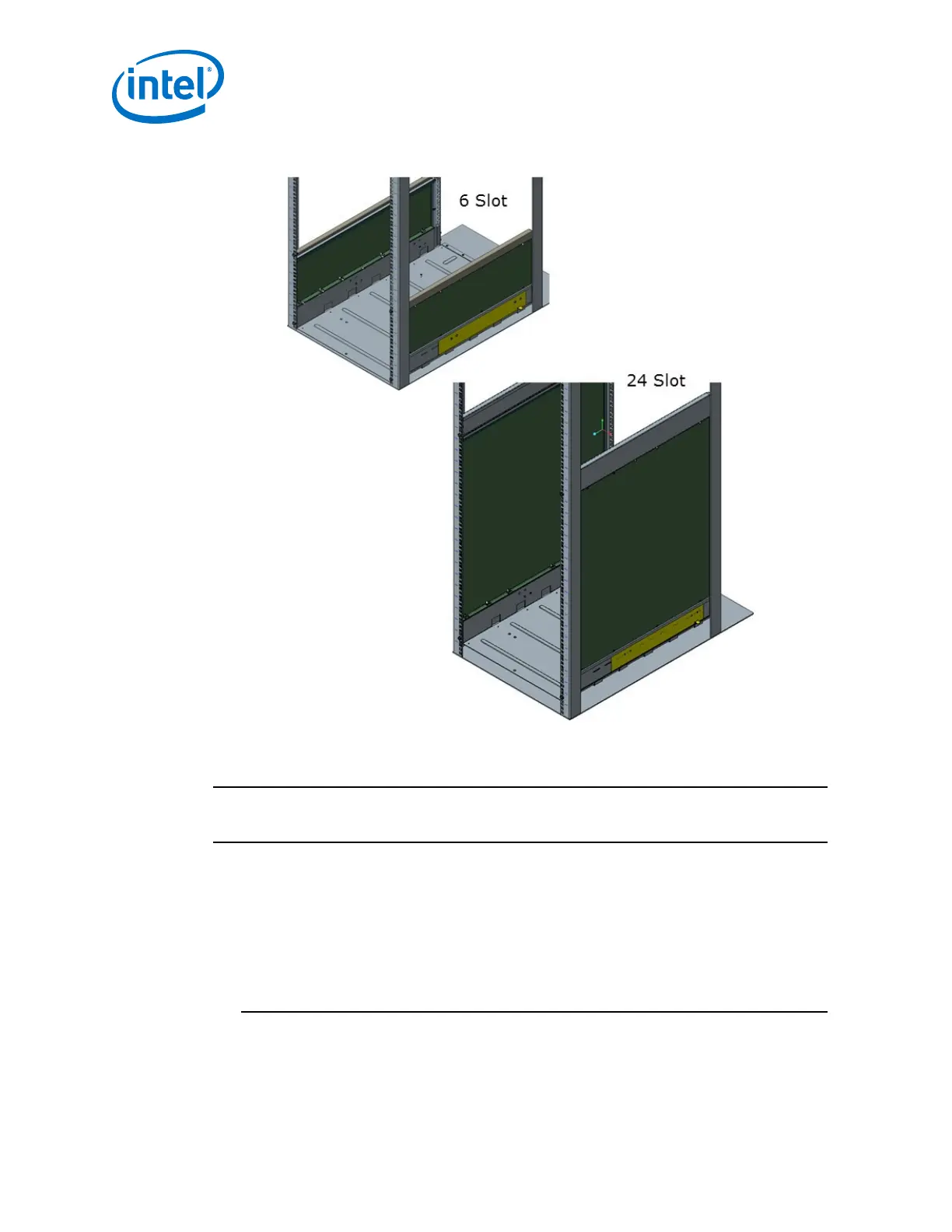
Figure 39. Completed Shelf Assemblies
Installing the Director Switch Chassis
WARNING
To avoid injury, do not lift a fully-loaded Director Class switch manually. Use a
mechanized lift only.
1. Align the chassis with the rack.
2. Using a pallet jack, raise the unit until the bottom of the chassis is at (or slightly
higher than) the surface of the support shelf installed in Steps 1 through 6. Lock
the pallet jack wheels.
3. Use a group of people to push the chassis from the front to slide it off the pallet
and on the support shelf. The chassis should be inserted into the rack until the
rear of the chassis base is against the rear support bracket.
NOTE
If you are installing the cable management guides (see Installing the Optional
Cable Management Guide on page 59), install the cage nuts into the rack rails
before fully sliding the chassis into the rack.
2.4.3.2
Intel
®
Omni-Path Fabric—Installation
Intel
®
Omni-Path Fabric Switches Hardware
Installation Guide June 2019
56 Doc. No.: H76456, Rev.: 10.0



 To Next Page