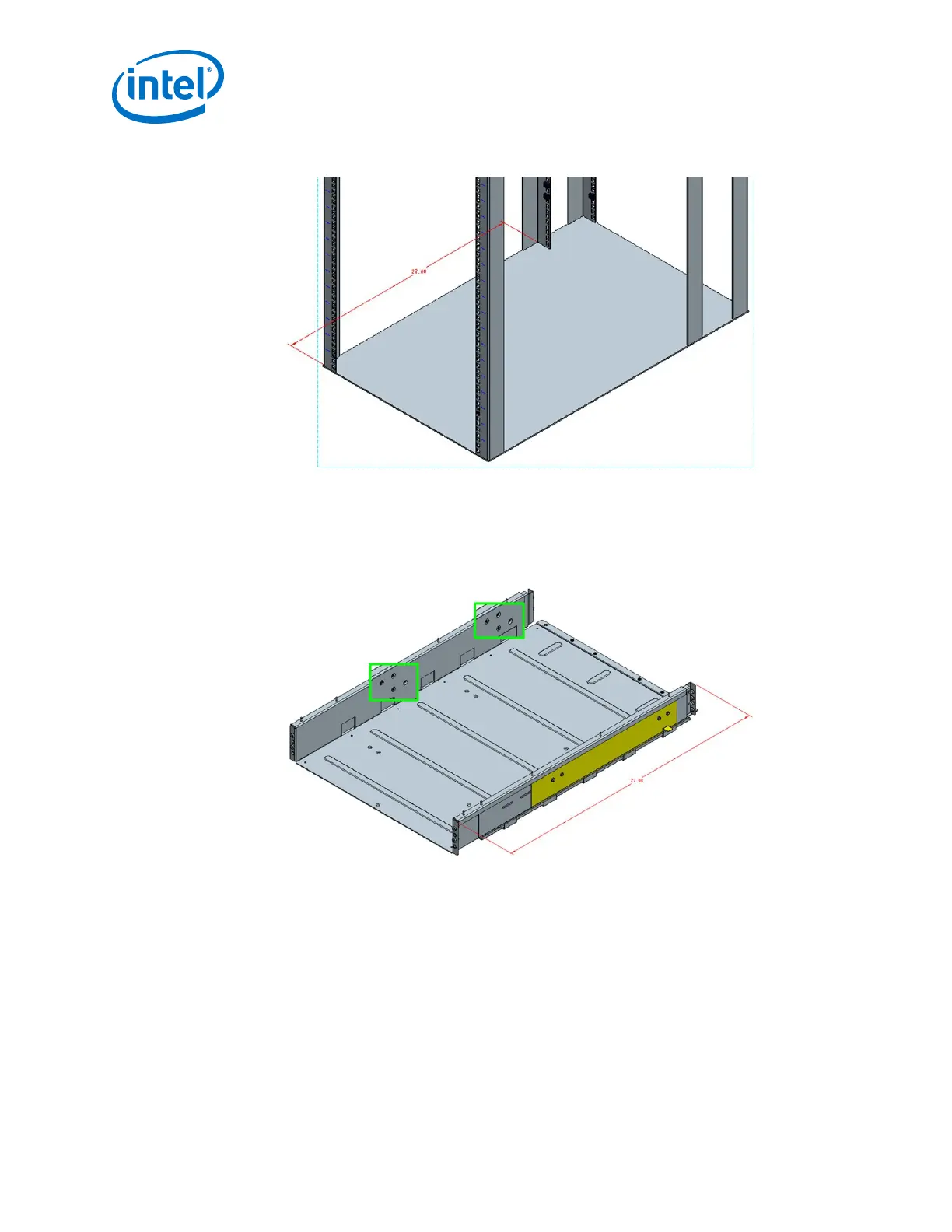
Figure 33. Measure the Rack
2. Before installing into the cabinet, preset the adjustable rails on the baffle base,
leaving the screws loose to the dimension measured on the cabinet (27" in this
example). In order to be able to fit the baffle base into the cabinet, set the rails to
slightly less than the measured size (i.e., < 27"). See the following figure.
Figure 34. Preset the Adjustable Rails
3. Install the fixture brackets to the cabinet at the desired height (see the following
figure). The brackets support and help locate the installation of the baffle base.
Remove and discard/recycle the brackets after baffle base has been installed.
Intel
®
Omni-Path Fabric—Installation
Intel
®
Omni-Path Fabric Switches Hardware
Installation Guide June 2019
52 Doc. No.: H76456, Rev.: 10.0



 To Next Page