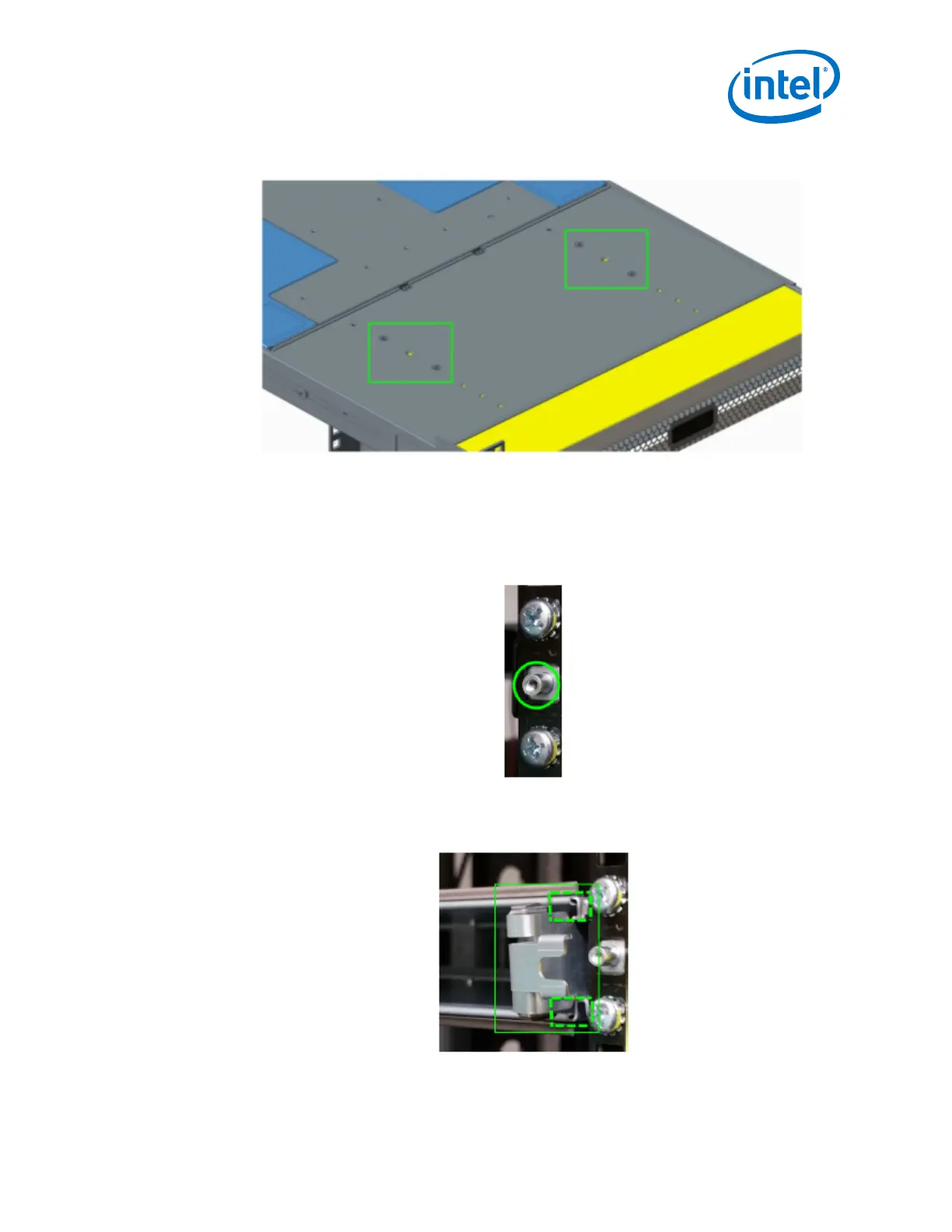
Figure 12. Secure the Top Baffle to the Switch
3. After baffle is fully inserted, push the handles back until the rail locks in place.
To vertically secure the baffles, insert the baffle clamp (one on each side) as shown:
1. Unscrew the end of the rail post.
Figure 13. Remove Rail Post
2. Slide the clamp into place on the top and bottom baffles.
Figure 14. Insert Clamp on Baffles
3. Push the clamp into place over the rail post.
Installation—Intel
®
Omni-Path Fabric
Intel
®
Omni-Path Fabric Switches Hardware
June 2019 Installation Guide
Doc. No.: H76456, Rev.: 10.0 39



 To Next Page