NOTE
The following instructions are for the Intel
®
Omni-Path Edge Switch with hot swap
power and fan modules (Part Numbers 100SWE48UFH and 100SWE48QFH).
Power Supply
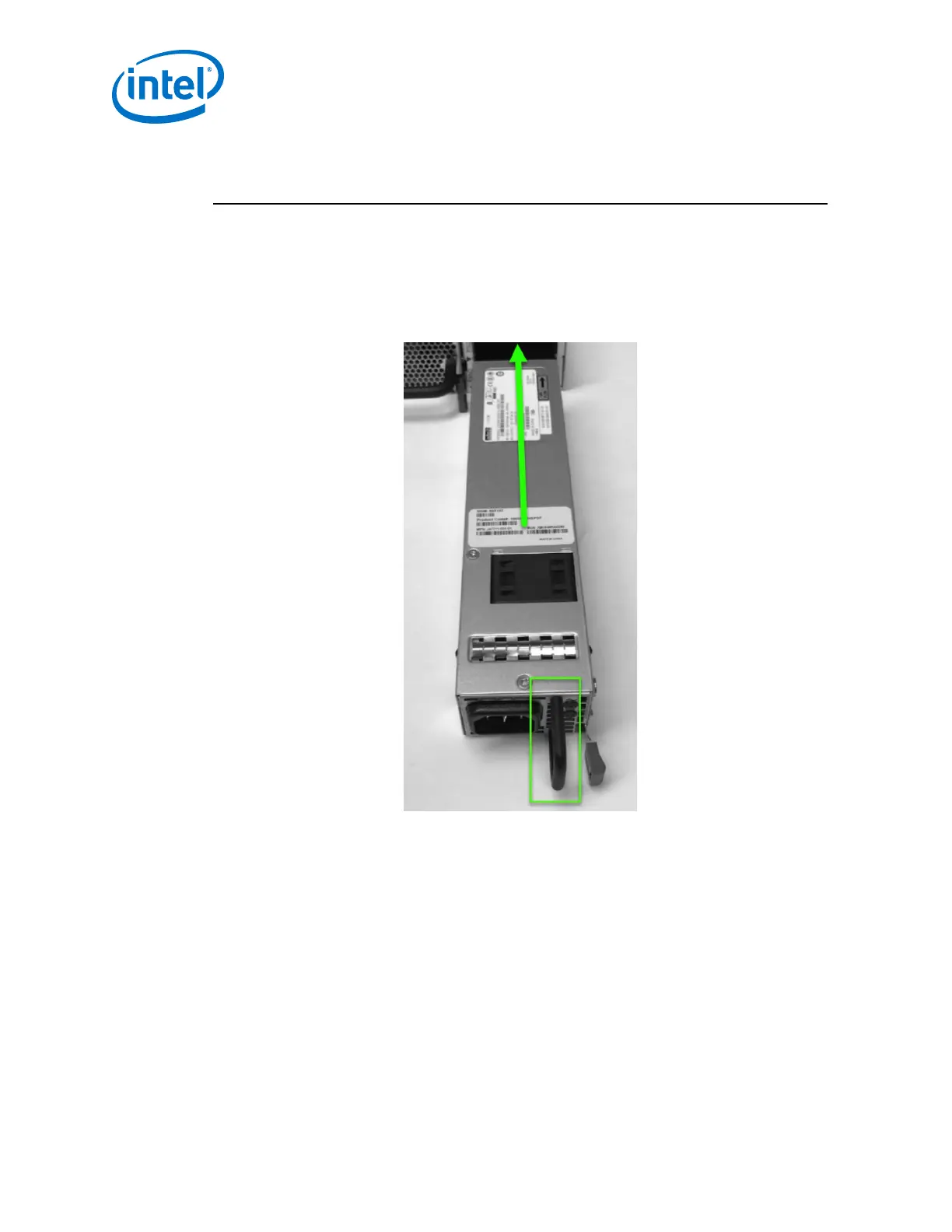
1. Grasp the module by the handle and slide into an open slot until the unit engages
with the connector.
Figure 49. Edge Power Supply Install 1
2. When fully inserted, the module sits flush with the chassis and the thumb tab is
locked as shown.
2.4.6.1
Intel
®
Omni-Path Fabric—Installation
Intel
®
Omni-Path Fabric Switches Hardware
Installation Guide June 2019
66 Doc. No.: H76456, Rev.: 10.0



 To Next Page