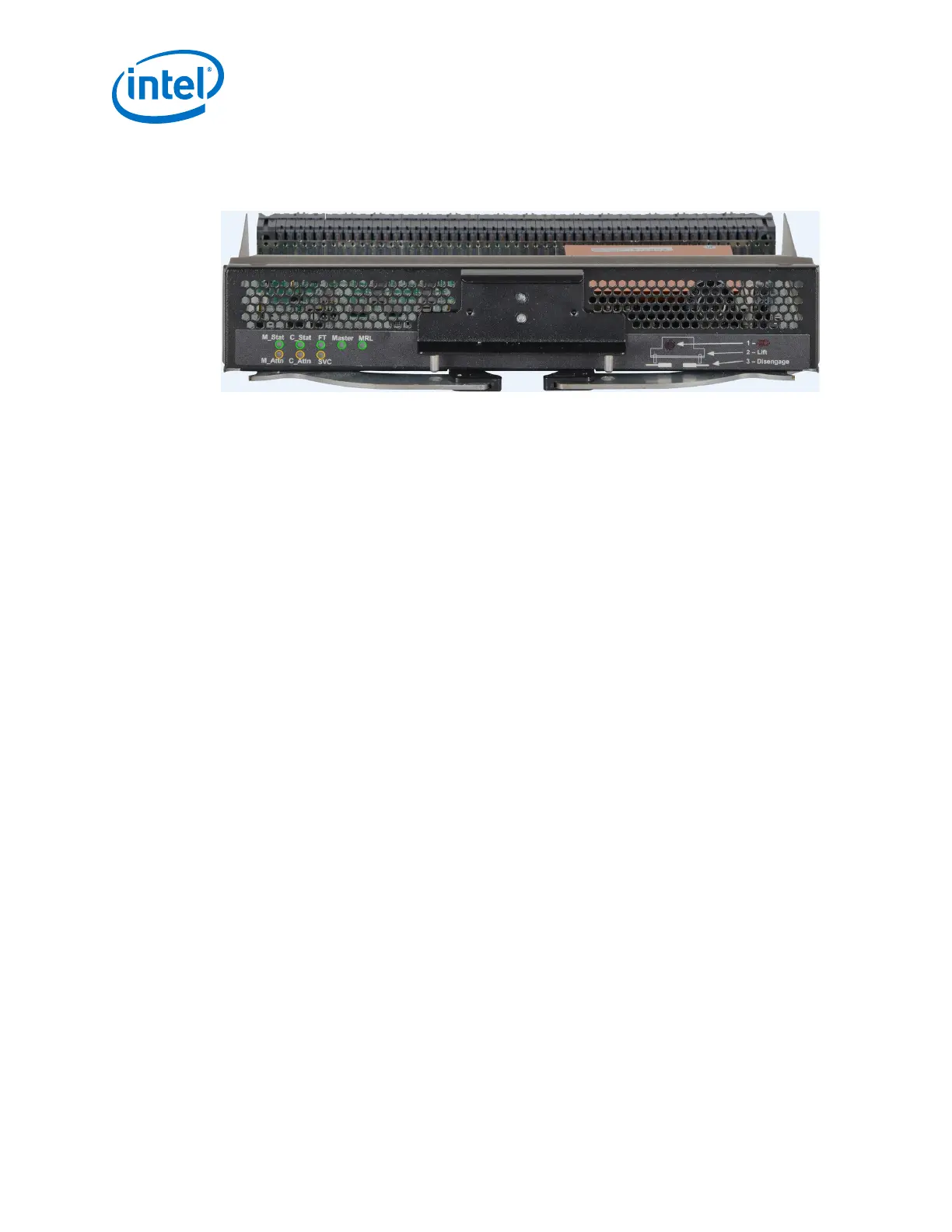
Management Module LEDs
Figure 65. Management Module LEDs
Module Status (M_Stat)
The status LED indicates one of the following conditions:
• Steady Green: the module is operating normally.
• Blinking Green: LED test state.
• Off: module is in the removable state.
Module Attention (M_Attn)
The Attention LED indicates one of the following conditions:
• Off: the system is functioning normally.
• Steady Amber: the system requires some attention, which could indicate one of
the following conditions:
— The management module is at a warning level
— The microprocessor temperature is at a warning level
— DC voltages on the board are slightly out of tolerance
— The management module has taken a hot swap fault
• Blinking Amber (once every four seconds): LED test state, which could indicate
one of the following conditions:
— Bulk power is stable.
— The module DC-to-DC converter is enabled.
— The module is not removable.
Chassis Status and Attention (C_Stat, C_Attn)
The chassis status LED is Green when the system is functioning normally. The chassis
status LED is Off when the system is not functioning normally.
Fault Tolerant (FT)
The Chassis Fault Tolerant (FT) LED indicates the following condition:
• Green: Redundant Cooling, DC Power, and management all present (n+1)
• Off: Redundant Cooling, DC Power, and management are not all present
2.8.2.1
Intel
®
Omni-Path Fabric—Installation
Intel
®
Omni-Path Fabric Switches Hardware
Installation Guide June 2019
80 Doc. No.: H76456, Rev.: 10.0



 To Next Page