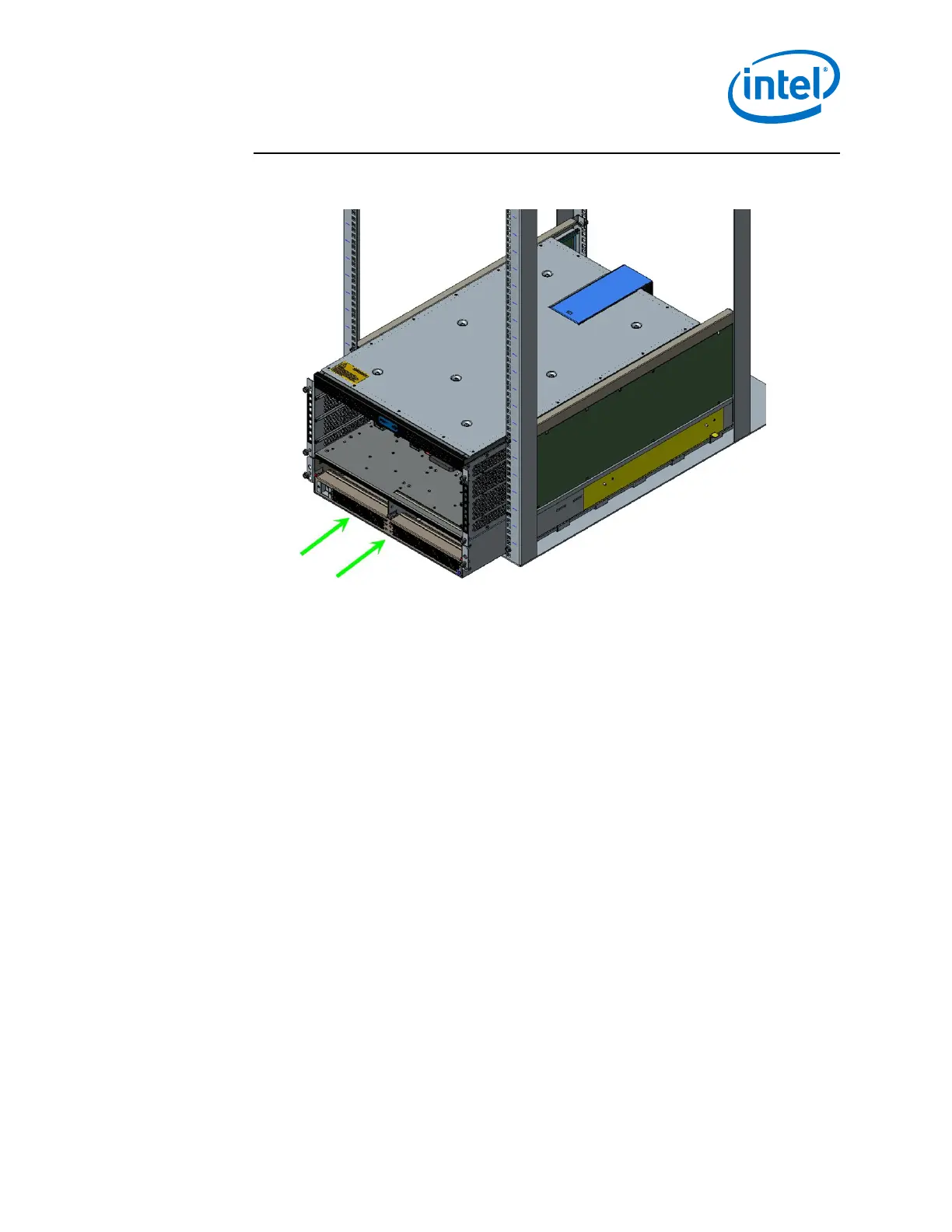
Figure 40. Slide the Chassis into the Rack
4. Fasten the chassis to the rack with M6 screws:
• 6-Slot Director: six (6).
• 24-Slot Director: twelve (12).
Installation—Intel
®
Omni-Path Fabric
Intel
®
Omni-Path Fabric Switches Hardware
June 2019 Installation Guide
Doc. No.: H76456, Rev.: 10.0 57



 To Next Page