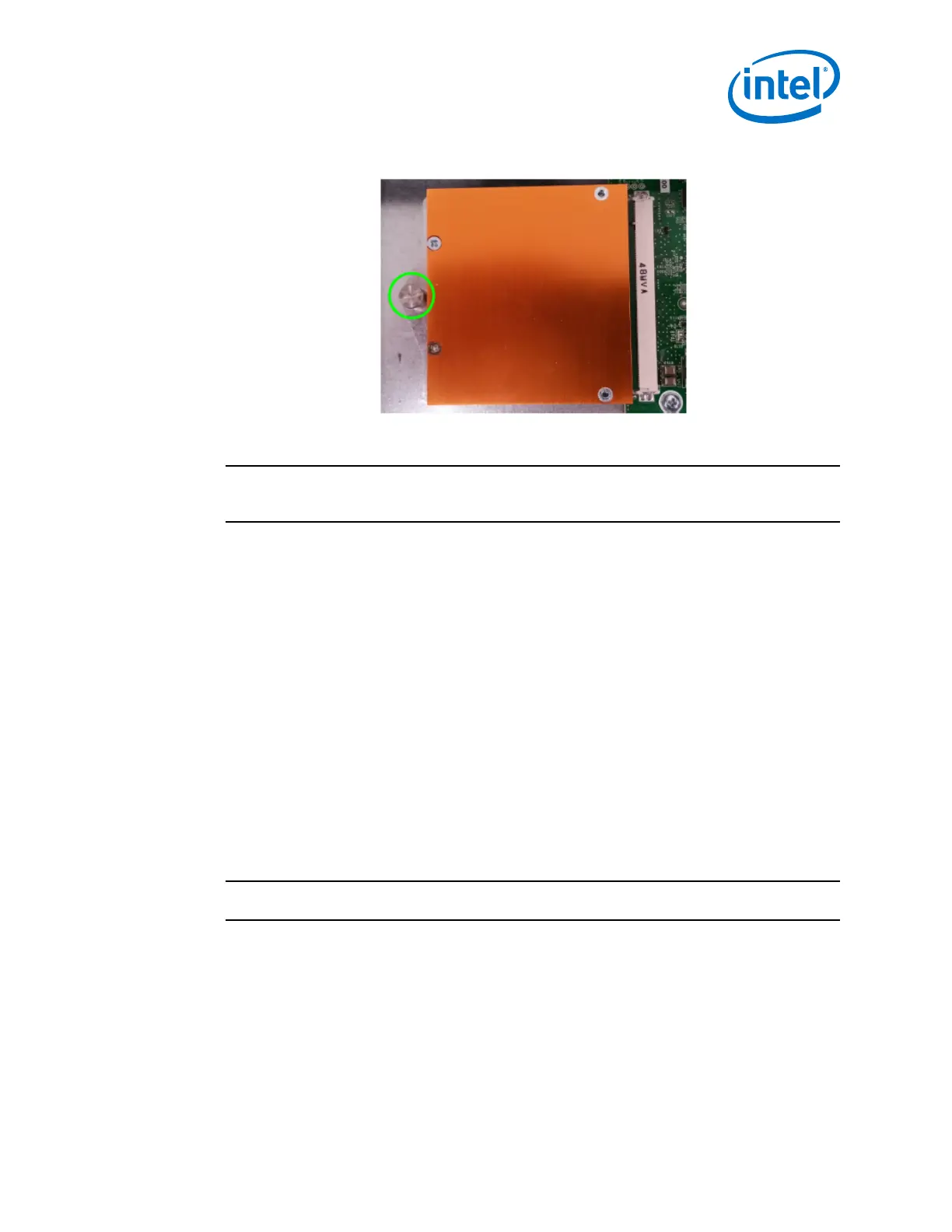
Figure 25. Q7 Module Mounting Screw
4. Reattach the switch cover.
NOTE
For information on upgrading Q7 board controller firmware (BCFW) and BIOS, refer to
Q7 BIOS Update on page 86.
Intel
®
Omni-Path Director Class Switch 100 Series
Installation
Mounting Hardware Kit Contents
The Mounting Kit contains:
• Support Shelf (1)
• Baffles (2)
• #10 Mounting screws
• #10 Mounting nuts
• M6 Mounting Screws
Unpacking the Switch
NOTE
Set aside packaging materials in the event that the switch requires return shipment.
The following images and descriptions give a high-level overview for unpacking a
Director Switch (24-slot model in this example).
2.4
2.4.1
2.4.2
Installation—Intel
®
Omni-Path Fabric
Intel
®
Omni-Path Fabric Switches Hardware
June 2019 Installation Guide
Doc. No.: H76456, Rev.: 10.0 45



 To Next Page