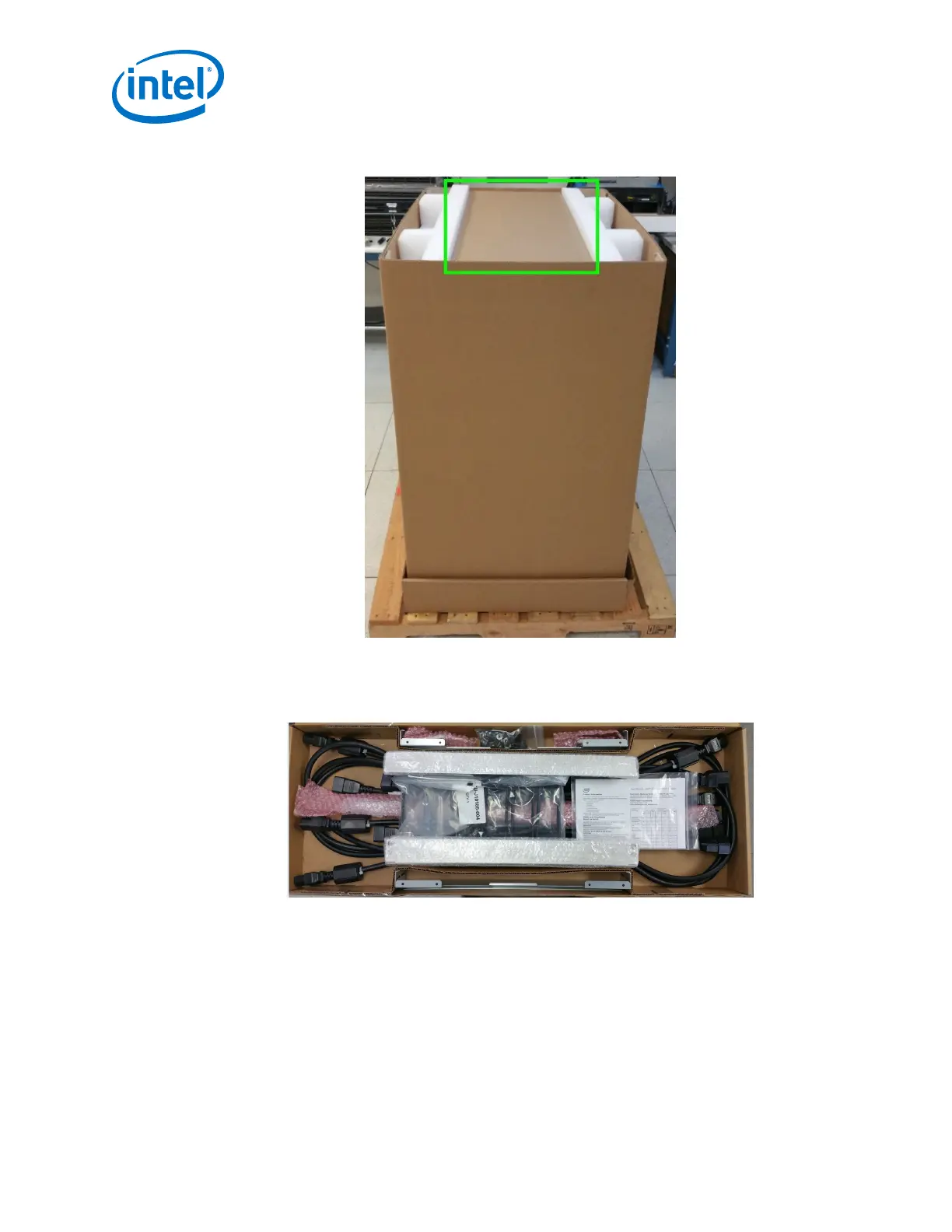
Figure 28. Unpacking the Switch (3)
3. Remove the accessory kit box and white packing form. The accessory kit contains
required hardware, power cables, documentation, etc.
Figure 29. Unpacking the Switch (4)
Intel
®
Omni-Path Fabric—Installation
Intel
®
Omni-Path Fabric Switches Hardware
Installation Guide June 2019
48 Doc. No.: H76456, Rev.: 10.0



 To Next Page