Chapter 6 — Use the IF2 GPIO Interfaces
88 IF2 Network Reader User Manual
These methods are shown in the next examples.
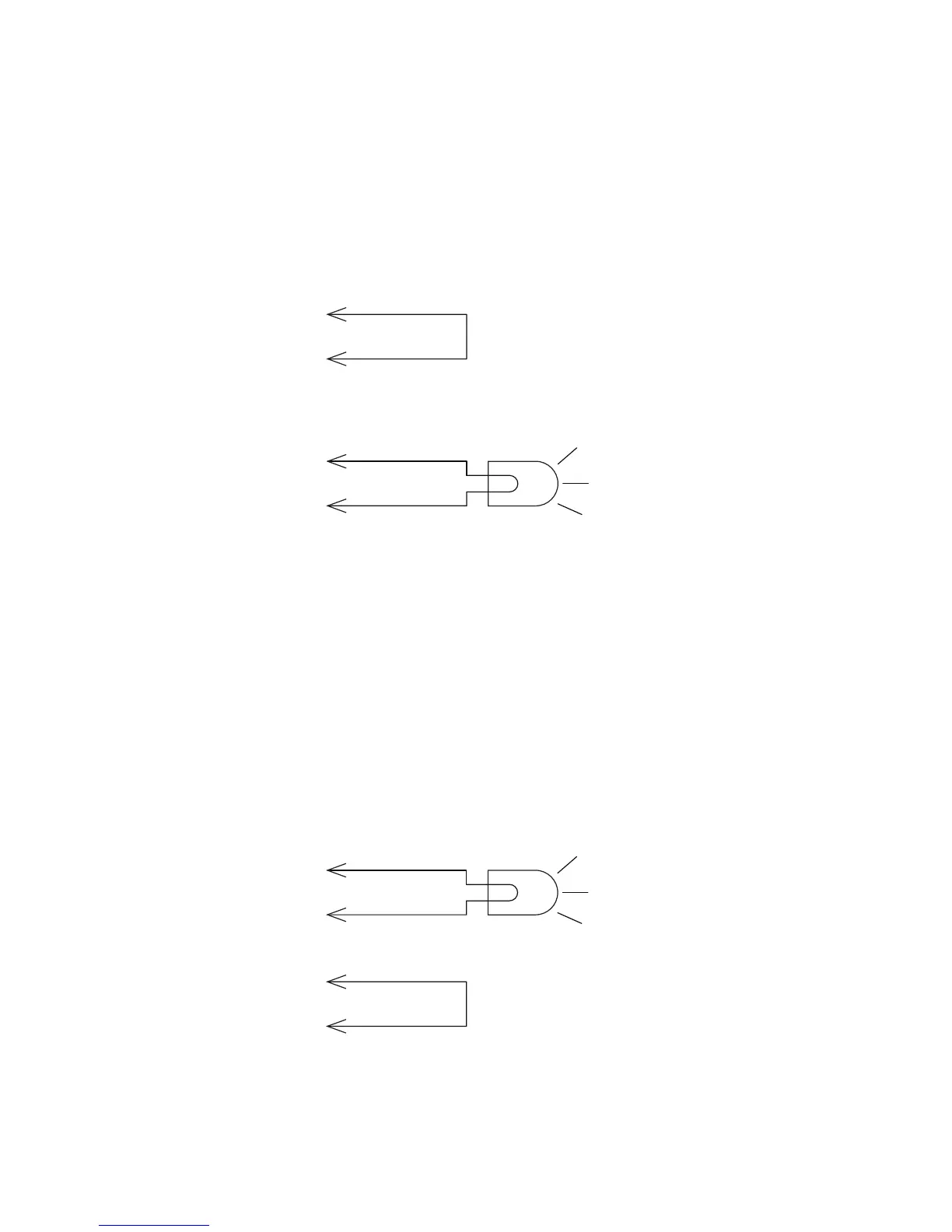
Switch the High Side With IF2 Power
In this example, an external indicator lamp (0.25 A maximum current)
is connected to the -Output and Ground pins, and the corresponding
+Output pin is connected to the +12 VDC source.
Switching the High Side
Switch the Low Side With IF2 Power
For low side switching applications, the lamp power is routed to all
the lamps in common and the low side of the load is routed to the
switch.
In this method, connect the external indicator lamp to the +Output
and +12 VDC pins, and short the corresponding -Output pin to
ground as shown.
Switching the Low Side of the Output Load
External
indicator lamp
0.25 A maximum
+Output
+12 V
Ground
- Output
External
indicator lamp
0.25 A maximum
Ground
- Output
+Output
+12 V



 To Next Page