Chapter 3 — Develop and Use RFID Applications
IF2 Network Reader User Manual 45
Antenna Field Strength 1 to 4
Sets the RF power level (in dBm) for each of the 4 antenna ports. Valid
range is 15 to 30. Default is 30. Note that the maximum power level is
dependent on the region that the IF2 is operating in.
Use this setting to attenuate the antenna field strength. In some
situations, full output power can cause unnecessary interference. For
example, if the tag is close to the antenna, full output power might
overload the tag and cause unreliable behavior.
This setting is equivalent to the FIELDSTRENGTH BRI attribute.
Antenna Sequence: First through Eighth
Sets the RFID antenna to be used for each of up to eight tag inventory
operations. Choose any one of the 16 available antennas from the
drop-down list. If more than one antenna is enabled, the antennas fire
in this sequence.
This setting is equivalent to the ANTS BRI attribute.
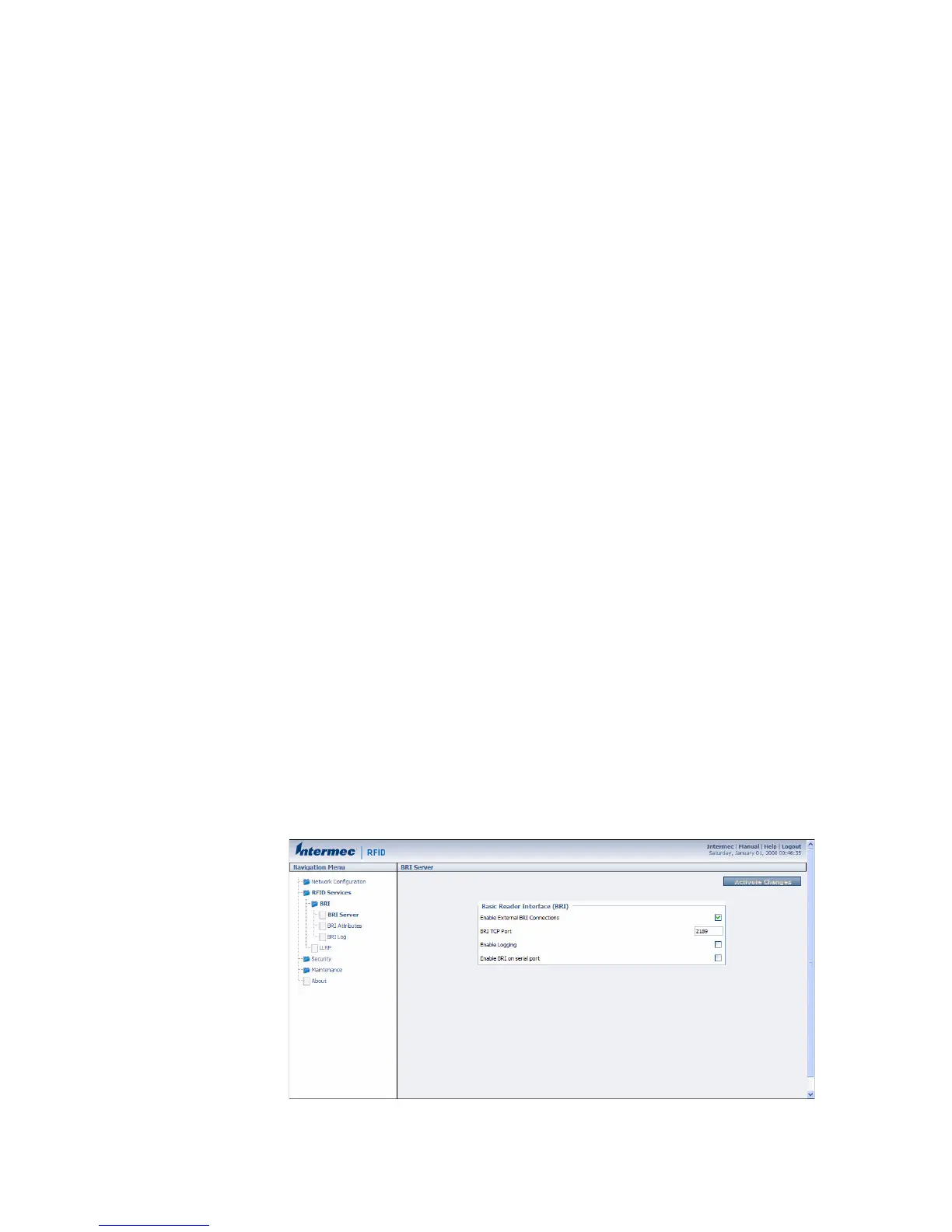
Configure the BRI Server
The IF2 BRI server handles communication between your application
and the RFID module. When your application is communicating with
the BRI server, the blue Intermec Ready-To-Work Indicator on the IF2
front panel turns on and stays on. For more information, see “About
the Ready-to-Work Indicator” on page 5.
To configure BRI server settings
1 From the menu, click RFID Services > BRI > BRI Server. The BRI
Server screen appears.



 To Next Page