Chapter 2 — Configure Network Settings
34 IF2 Network Reader User Manual
View Certificates
You can use the web browser interface to view the certificates loaded
on the IF2.
To view certificates
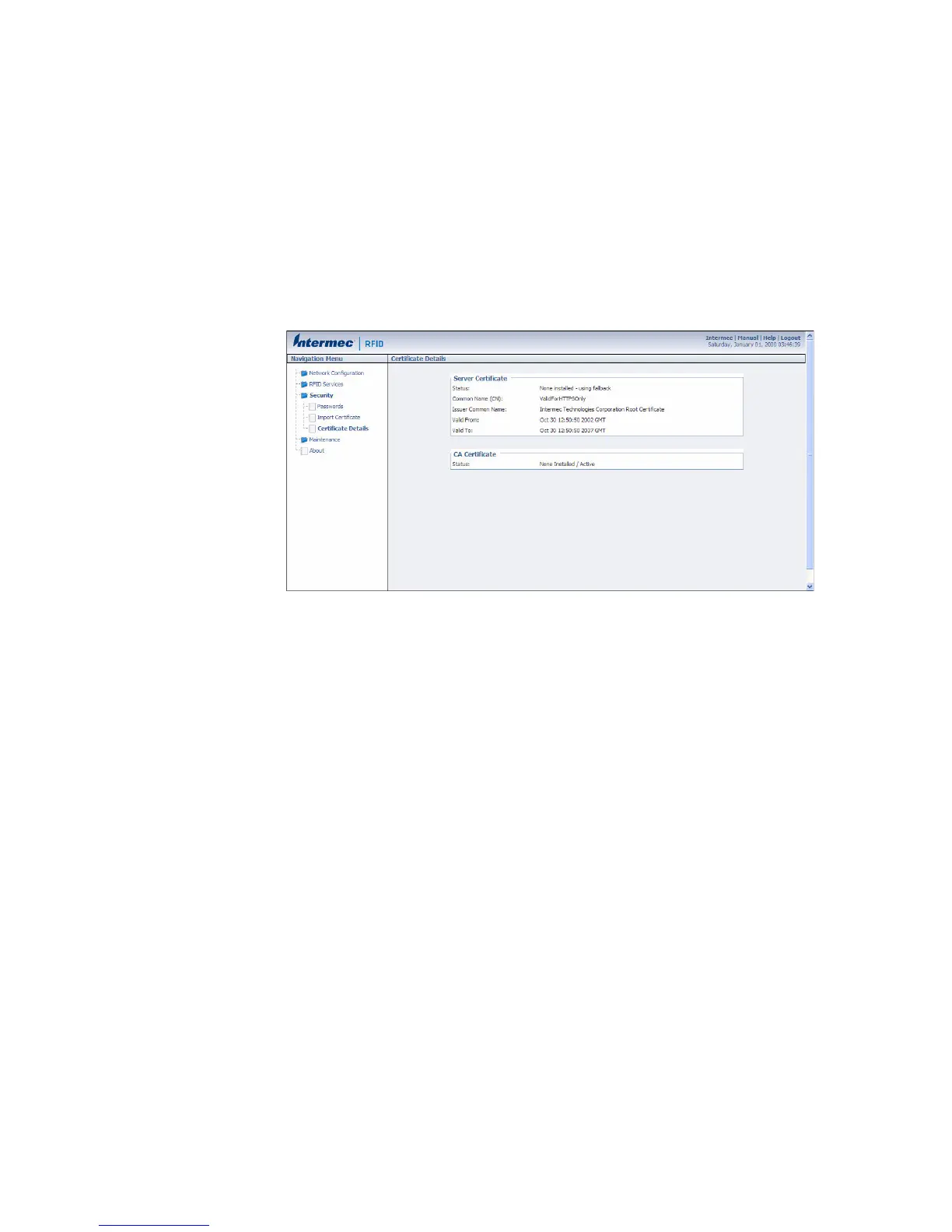
• From the menu, click Security > Certificate Details. The
Certificate Details screen appears.
The Server Certificate table lists the server certificate that is installed,
and the CA Certificate table lists the trusted CA certificate that is
installed.



 To Next Page