Chapter 5 — Manage, Troubleshoot, and Upgrade the IF2
68 IF2 Network Reader User Manual
• You can assign an initial IP address to the IF2 for
configuration. For help, see “Assign an Initial IP Address”
on page 8.
• You can restore default settings. For help, see “To restore
defaults with a serial connection” on page 72.
• You can open a BRI session.
Maintain the IF2
The Maintenance menu lets you view IF2 parameters and statistics,
including a list of logged events. You may need this information if you
need to call Intermec Product Support.
View the System Log
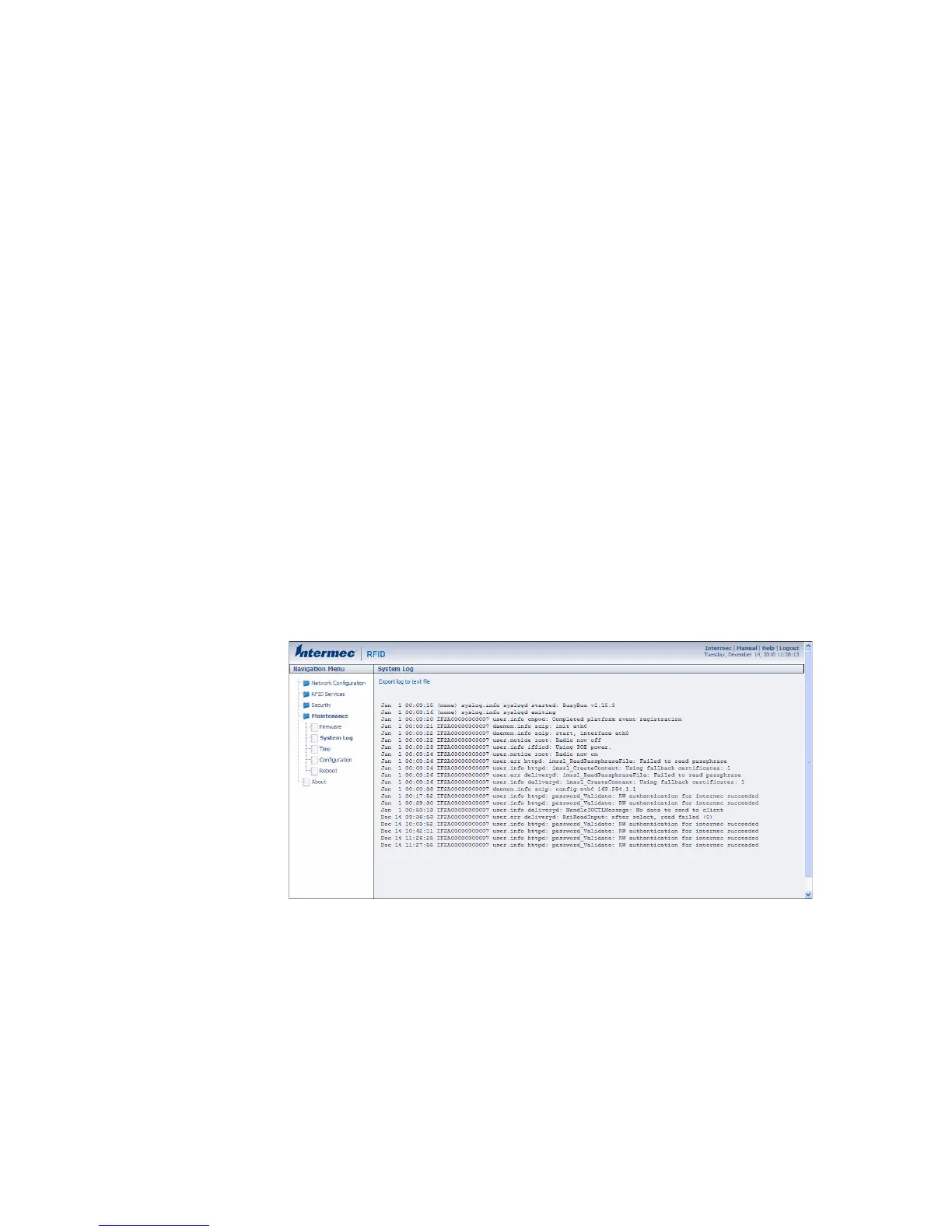
The System Log screen shows events that have been logged by the IF2.
To view the System Log screen
1 From the menu, click Maintenance > System Log. The System
Log screen appears. This screen is read-only.
2 To save the list, click Export log to text file. The log is saved as
Syslog.log and appears in the browser window.
3 Choose File > Save As and follow the prompts to save the log file
to your desktop PC.



 To Next Page