Chapter 5 — Manage, Troubleshoot, and Upgrade the IF2
IF2 Network Reader User Manual 73
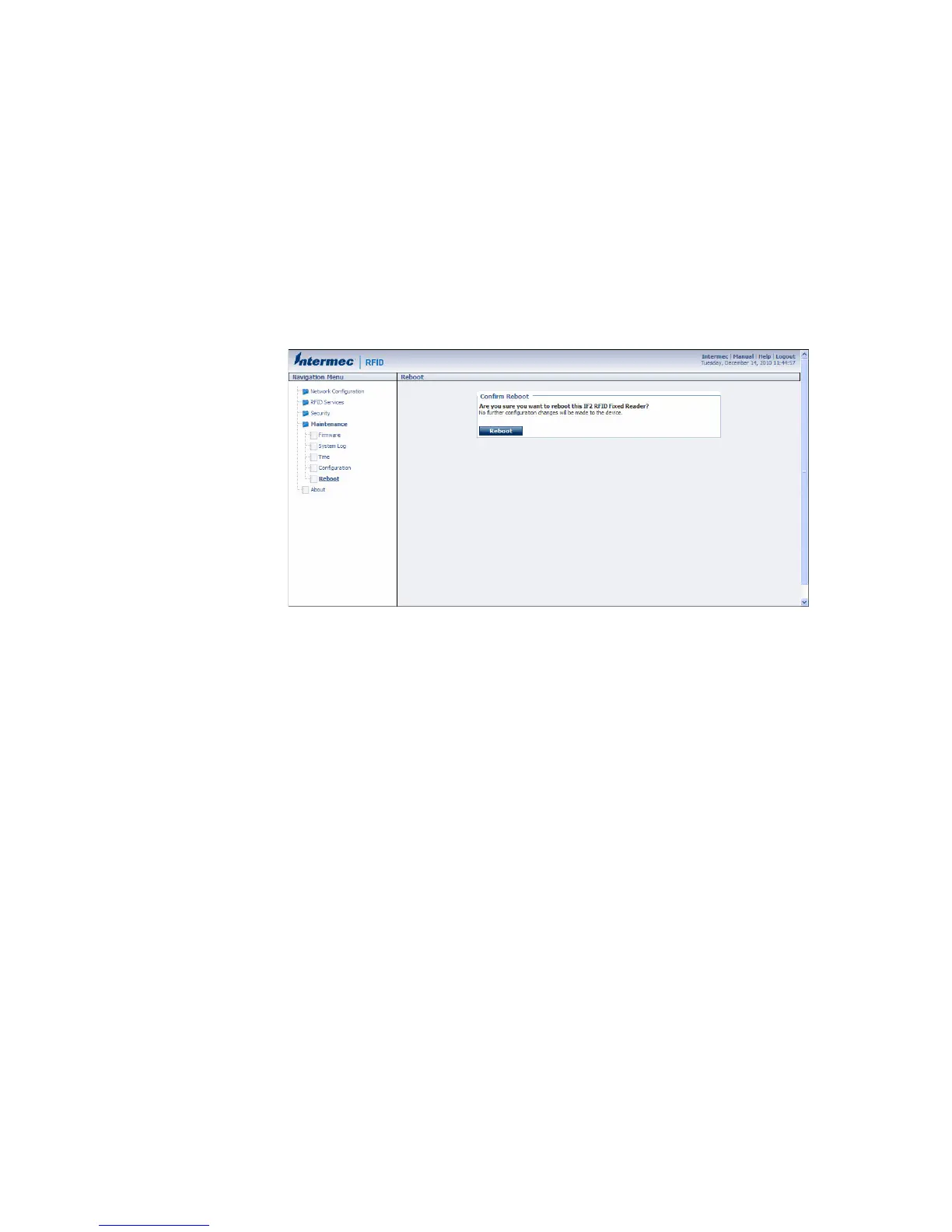
Reboot the IF2
You can reboot the IF2 from the web browser interface as described in
the next procedure. For example, you may need to reboot the IF2 to
enable changes in an application.
To reboot the IF2
1 From the menu, click Maintenance > Reboot. The Reboot screen
appears.
2 Click Reboot to reboot the IF2. You need to log in again after the
IF2 reboots.



 To Next Page