Chapter 2 — Configure Network Settings
IF2 Network Reader User Manual 27
• disable serial port access to the IF2. For help, see “Disable Access
Through the Serial Port” on page 32.
For general information on securely using the IF2, see “How to Use
the IF2 Securely” on page 19.
Control Access Services
Access services are the different ways that users can access and
configure the IF2.
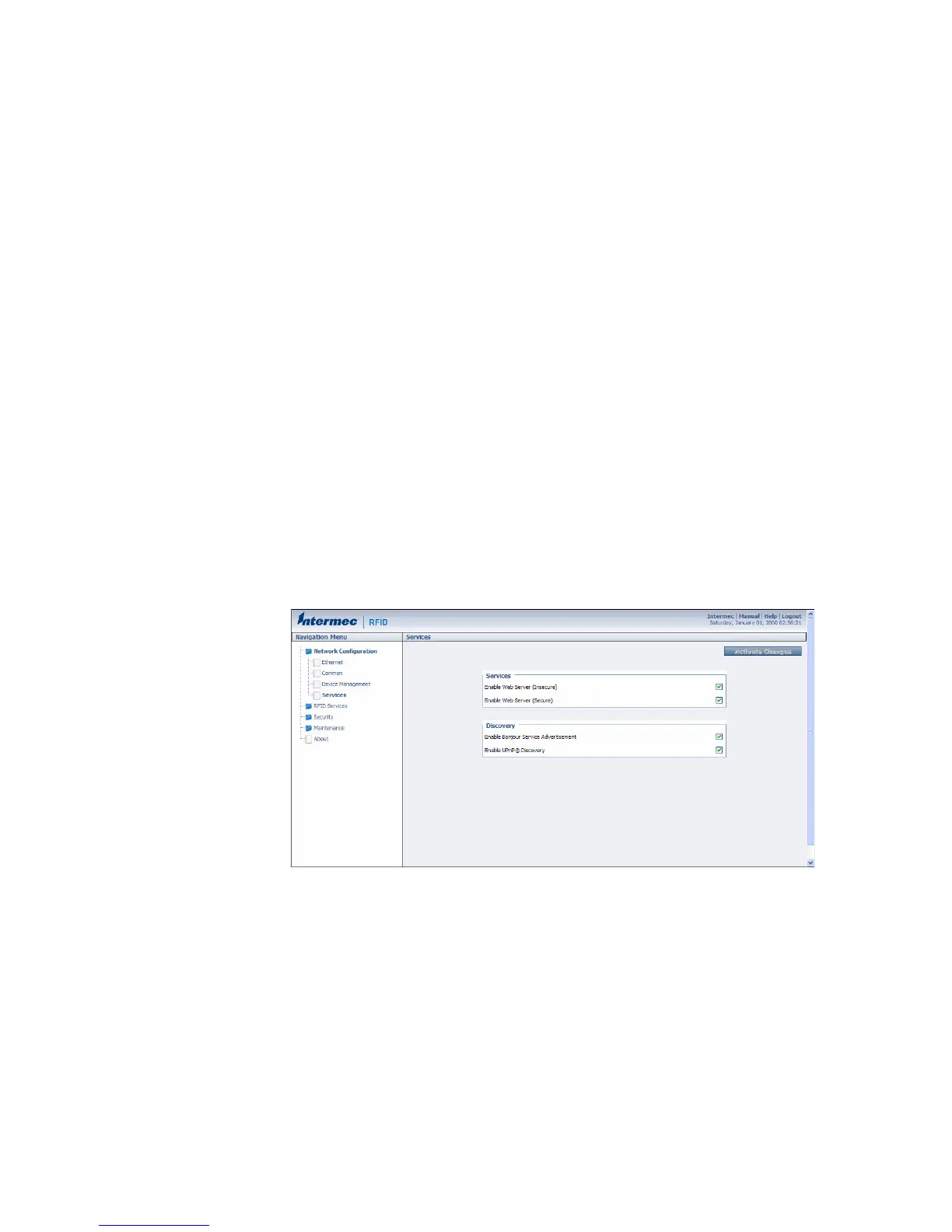
You can control how developers access the IF2 by enabling or
disabling these services:
• Web browser interface (secure and non-secure)
• Discovering the IF2 via Bonjour or Universal Plug and Play™
(UPnP) service advertisement (enabled by default)
To enable access services
1 From the menu, click Network Configuration > Services. The
Services screen appears.
2 Enable or disable developer access services by checking or clearing
the check boxes, or by choosing options from the drop-down list.
For help, see the next table.
3 Click Activate Changes to save your changes and immediately
make them active.



 To Next Page