Chapter 3 — Develop and Use RFID Applications
48 IF2 Network Reader User Manual
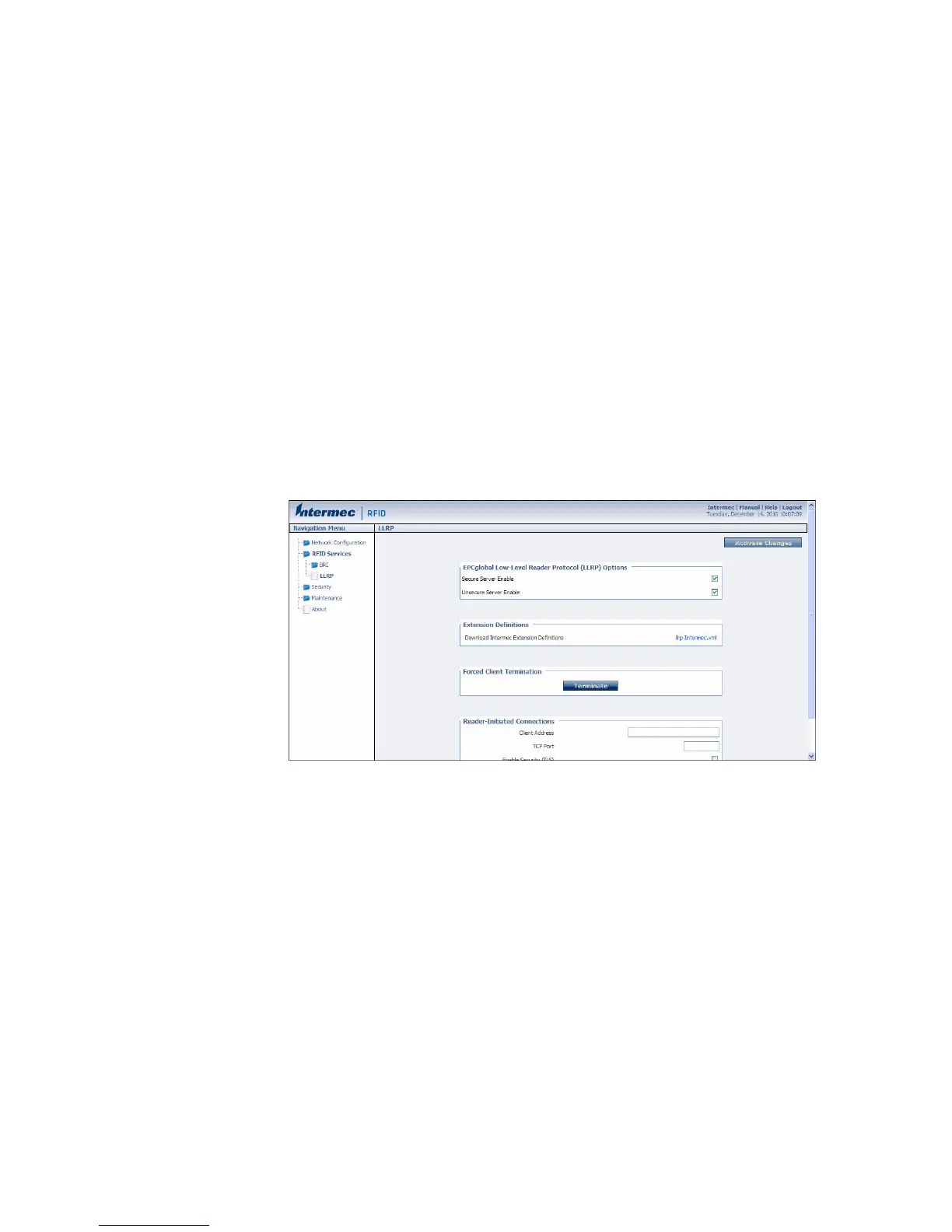
Configure LLRP Settings
The IF2 supports version 1.0.1 of the EPCglobal Low-Level Reader
Protocol (LLRP), which establishes a specific interface method
between a reader and its corresponding client. Follow the next
procedure to configure LLRP settings.
For information on LLRP, including standards, see
http://www.epcglobalinc.org/standards/llrp. An open source
LLRP Toolkit can be downloaded at http://sourceforge.net/
projects/llrp-toolkit.
To configure LLRP settings
1 From the menu, click RFID Services > LLRP. The LLRP screen
appears.
2 Configure LLRP settings as needed. For help, see the next table.
• To disconnect an existing LLRP connection, click Terminate.
• To connect to a remote LLRP client, enter information in the
Reader-Initiated Connections section, and then click Initiate.
3 Click Activate Changes to save your changes and immediately
make them active.



 To Next Page