Chapter 1 — About the RFID Reader
IF2 Network Reader User Manual 15
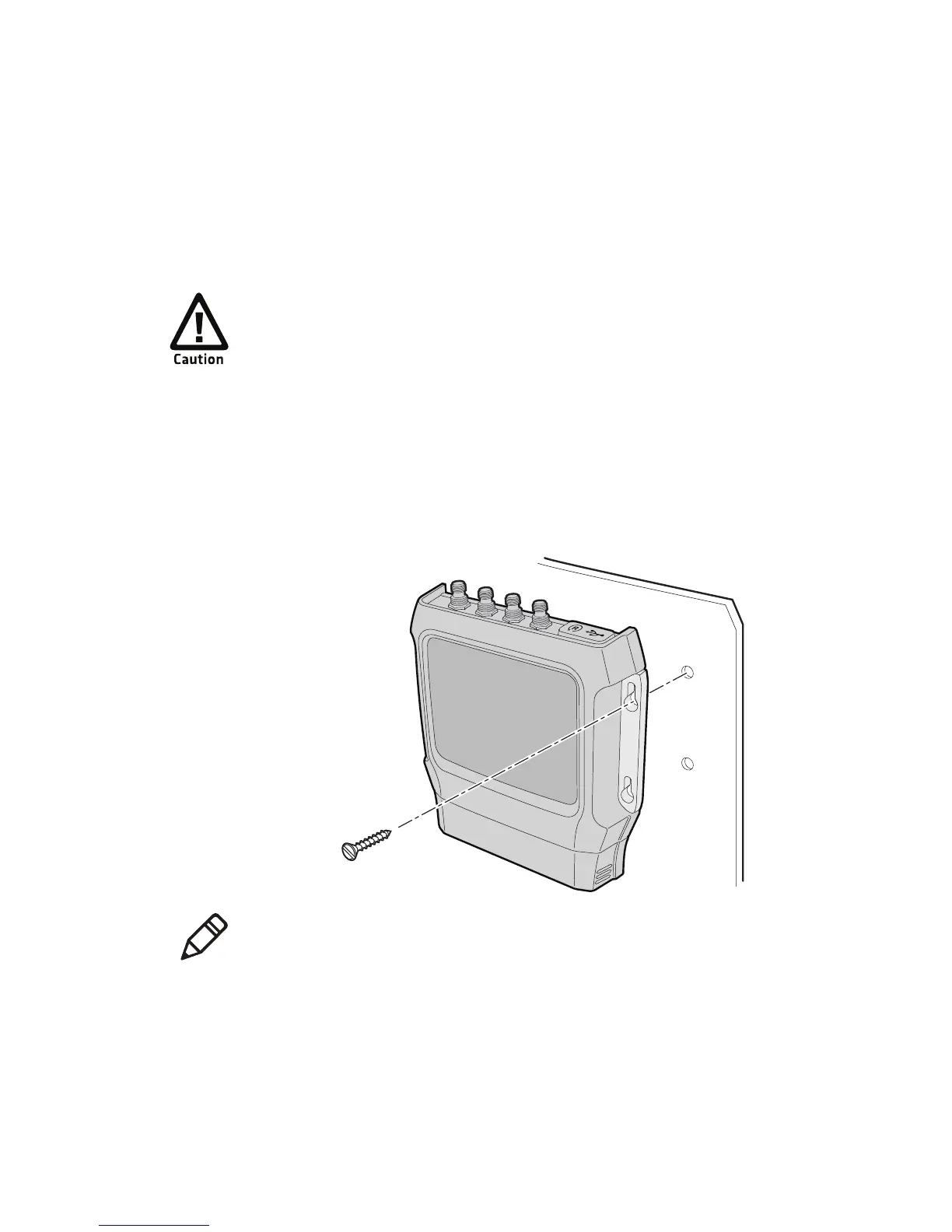
Install the IF2
This section explains how to mount the IF2 to a wall using the IF2
Network Reader Drilling Template Instructions that comes in the box
with the IF2.
To install the IF2
1 Choose a mounting location.
2 Use the IF2 Network Reader Drilling Template Instructions to drill
holes in the mounting location.
3 Mount the IF2 using your parts and screws.
The IF2 should be professionally installed. For more
information, contact your local Intermec representative.
Note: The IF2 is certified to an IP53 environmental rating only when
mounted as shown.



 To Next Page