Chapter 5 — Manage, Troubleshoot, and Upgrade the IF2
IF2 Network Reader User Manual 71
Restore Default Settings with the Web Browser
If you are having problems with the IF2, you can use the web browser
interface to restore the default settings to the IF2.
To restore defaults with the web browser
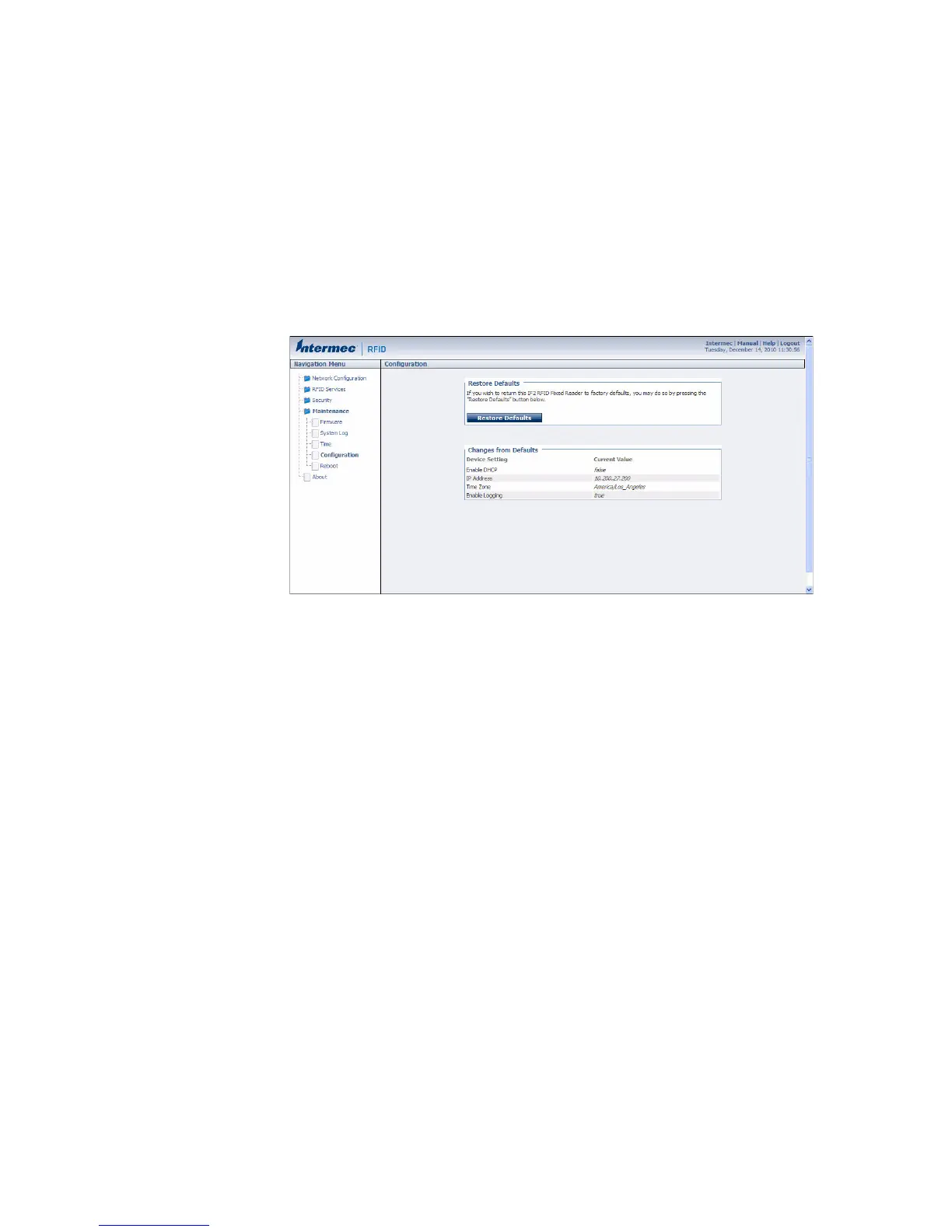
1 From the menu, click Maintenance > Configuration. The
Configuration screen appears and displays all configuration
changes from the factory default settings.
2 Click Restore Defaults. A confirmation message appears.
3 Click OK. The IF2 reboots and restores the default configuration.
Or, click Cancel to close the confirmation message without
restoring defaults.



 To Next Page