Chapter 5 — Manage, Troubleshoot, and Upgrade the IF2
78 IF2 Network Reader User Manual
Call Intermec Product Support
You may need to call Product Support if you have problems operating
the IF2. Before calling, be sure you can answer the following
questions:
• What kind of network are you using?
• What were you doing when the error occurred?
• What error message did you see?
• What is your RFID reader’s serial number?
• Can you reproduce the problem?
• What versions of IF2 and RFID software are you using? For help,
see “View the About Screen” on page 69.
When you have gathered this information, call Intermec Product
Support at 1-800-755-5505.
Access Web Pages
Periodically, IF2 firmware updates can be downloaded from
www.intermec.com.
You can use the IF2 web browser interface to visit
www.intermec.com or to download manuals from Intermec as
described next.
To access Intermec web pages
1 Open a web browser interface to the IF2. For help, see “Use the
Web Browser Interface” on page 11.
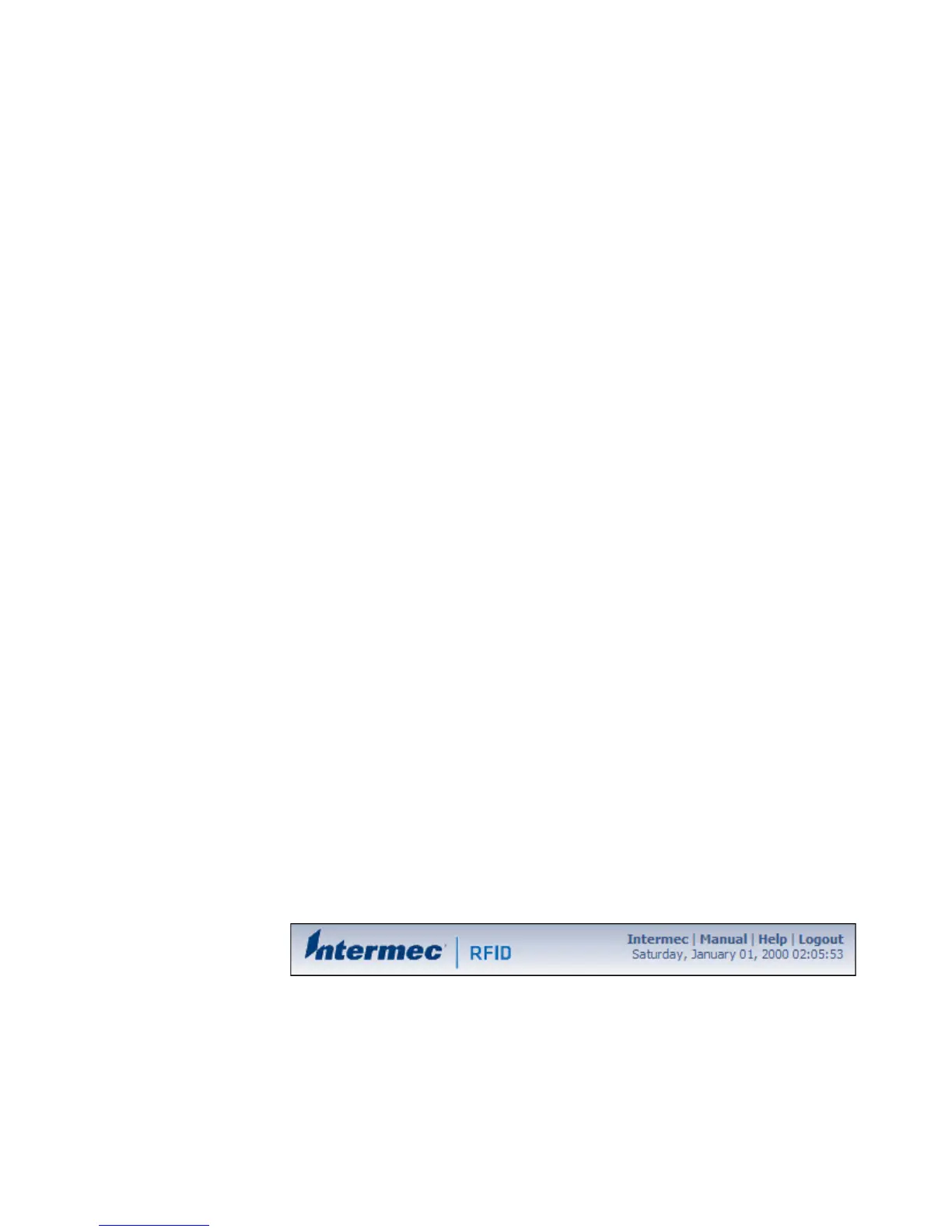
2 To go to www.intermec.com, click Intermec in the upper right
corner.
To locate IF2 firmware updates, from the main Intermec web page
choose Support > Downloads and search for IF2.



 To Next Page