Chapter 2 — Configure Network Settings
IF2 Network Reader User Manual 31
Change the Default Login
If you are not using a password server to authorize user logins,
Intermec recommends that you change the default user name and
password and create a read-only password.
To set up logins
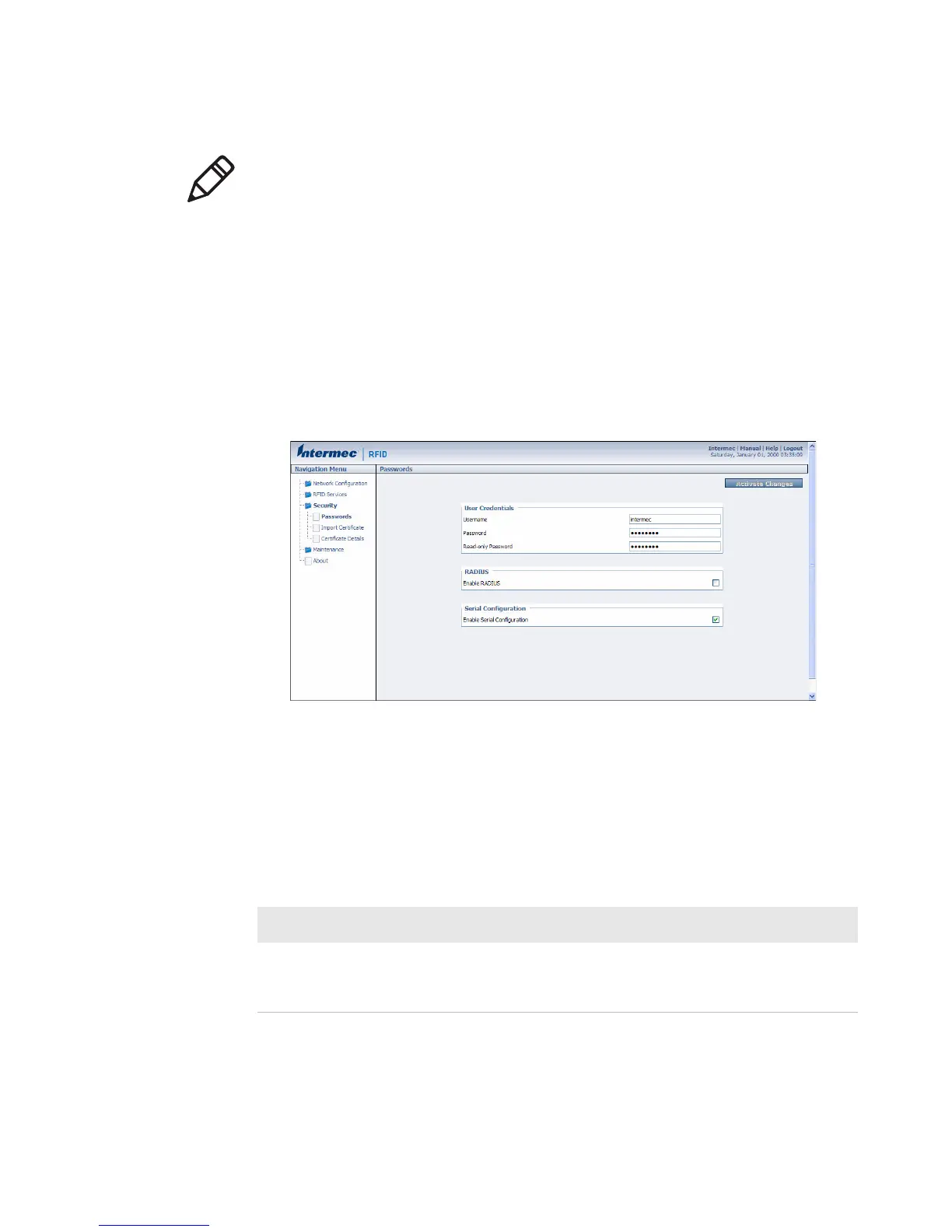
1 From the main menu, click Security > Passwords. The Passwords
screen appears.
2 Make sure the Enable RADIUS check box is not checked. Clear
this check box if necessary and then click Activate Changes.
3 Configure the parameters. For help, see the next table.
4 Click Activate Changes to save your changes and immediately
make them active.
Note: USB is not supported on the IF2 with Expanded Memory
Option.
Password Parameter Descriptions
Parameter Description
Username Enter the user name you need to use to log in to this IF2.
The user name can be from 1 to 32 characters long. You
must always specify a user name. Default is intermec.



 To Next Page