Chapter 2 — Configure Network Settings
IF2 Network Reader User Manual 33
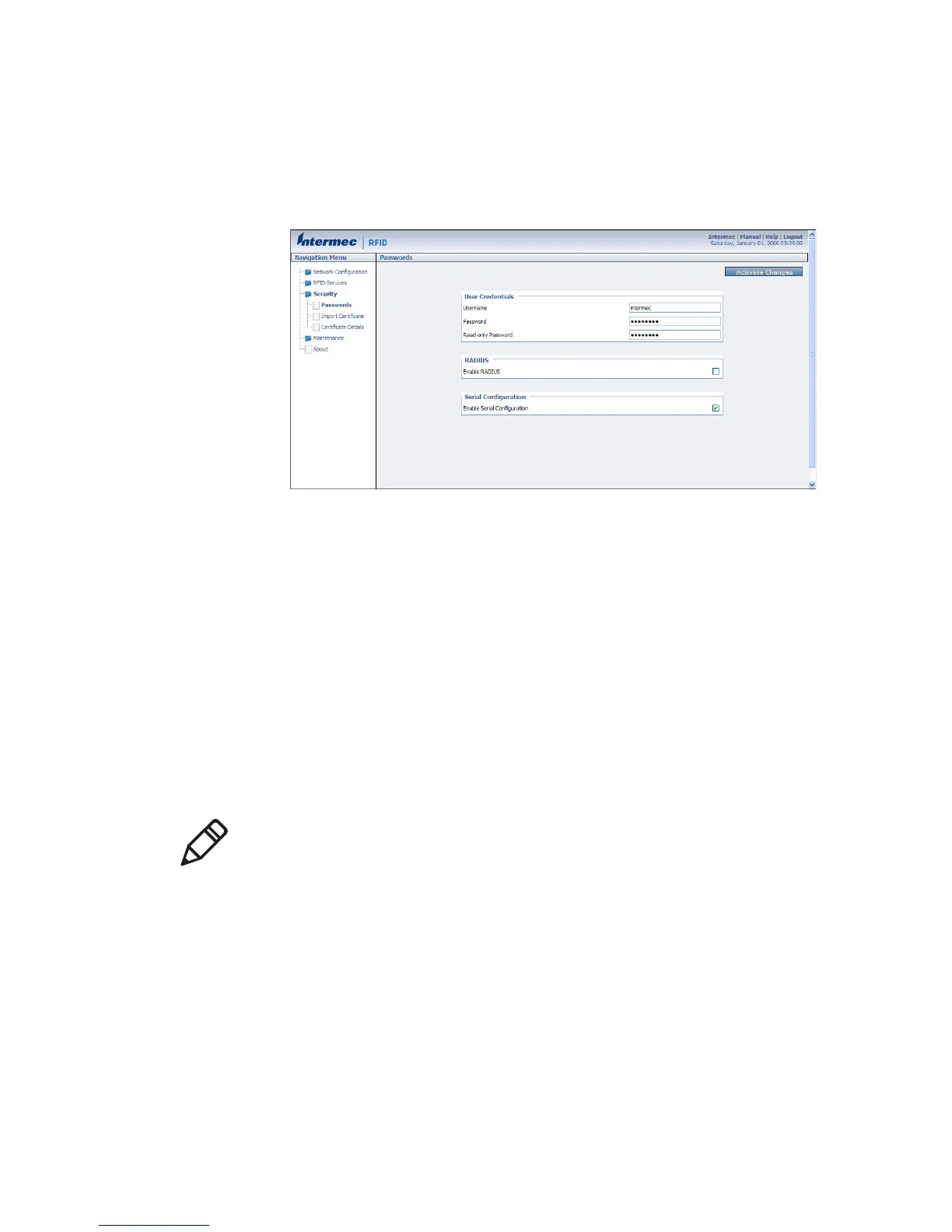
To disable serial port access
1 From the menu, click Security > Passwords. The Passwords
screen appears.
2 Clear the Enable Serial Configuration check box.
3 Click Activate Changes to save your changes and immediately
make them active.
Manage Certificates
The default server certificate on the IF2 (ValidForHTTPSOnly)
provides support for secure network applications such as the secure
web browser interface, secure LLRP client connections, and secure
web services. You can use a third-party certificate authority to issue
unique client certificates and a root certificate.
Note: To install or uninstall certificates, you need to access the IF2 via
a secure web browser. For help, see “Use the Web Browser Interface”
on page 11.



 To Next Page