Chapter 5 — Manage, Troubleshoot, and Upgrade the IF2
72 IF2 Network Reader User Manual
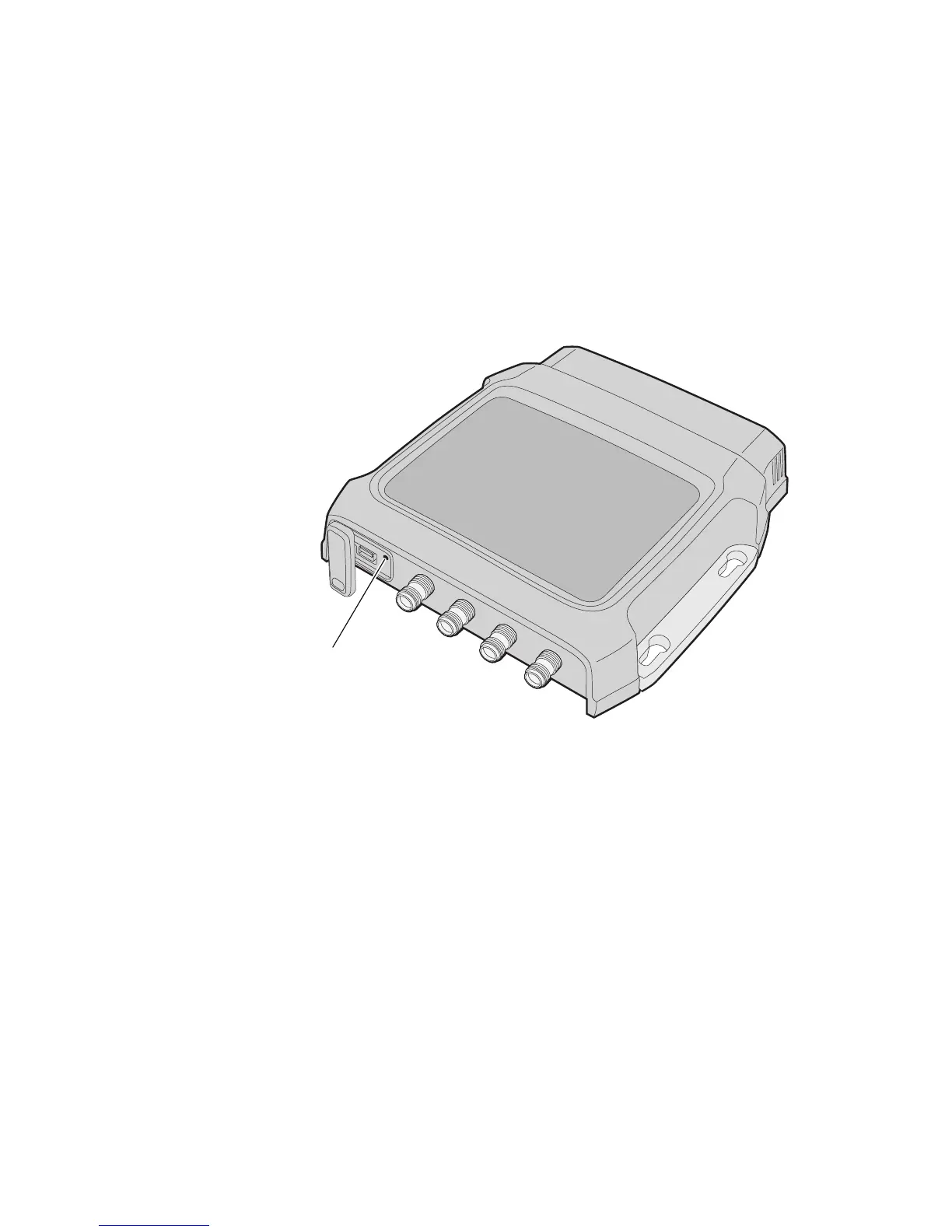
Restore Default Settings with the Reset Switch
If you are having problems with the IF2, you can press the reset switch
to restore the default settings to the IF2.
To restore defaults with the reset switch
1 Make sure the IF2 is powered on.
2 Using a paper clip, push and hold the reset switch for three
seconds. The LEDs on the IF2 flashes.
3 Release the reset switch. The IF2 reboots and restores the default
configuration.
Restoring Default Settings with a Serial Connection
If you are having problems with the IF2, you can use a serial
connection to restore the default settings to the IF2.
To restore defaults with a serial connection
1 Open a serial connection to the IF2. For help, see “Open a Serial
or USB Connection to the IF2” on page 64.
2 In the login field, type restore_defaults and then press
Enter.
3 In the Password field, press Enter. The IF2 reboots and the default
settings are restored.
Reset switch



 To Next Page