Chapter 3 — Develop and Use RFID Applications
40 IF2 Network Reader User Manual
Configure BRI Settings
This section explains how to configure BRI settings that control
reader operation and communication with your application.
• To configure BRI attribute settings that control reader operation,
such as read and write tries, tag types, or antenna settings, see the
next section, “Changing BRI Attribute Settings.”
• To configure BRI server settings, which manage how your
application communicates with the reader, see “Configure the
BRI Server” on page 45.
Change BRI Attribute Settings
BRI attribute settings control how the IF2 reader module reads tags.
Follow the next procedure to change attribute settings.
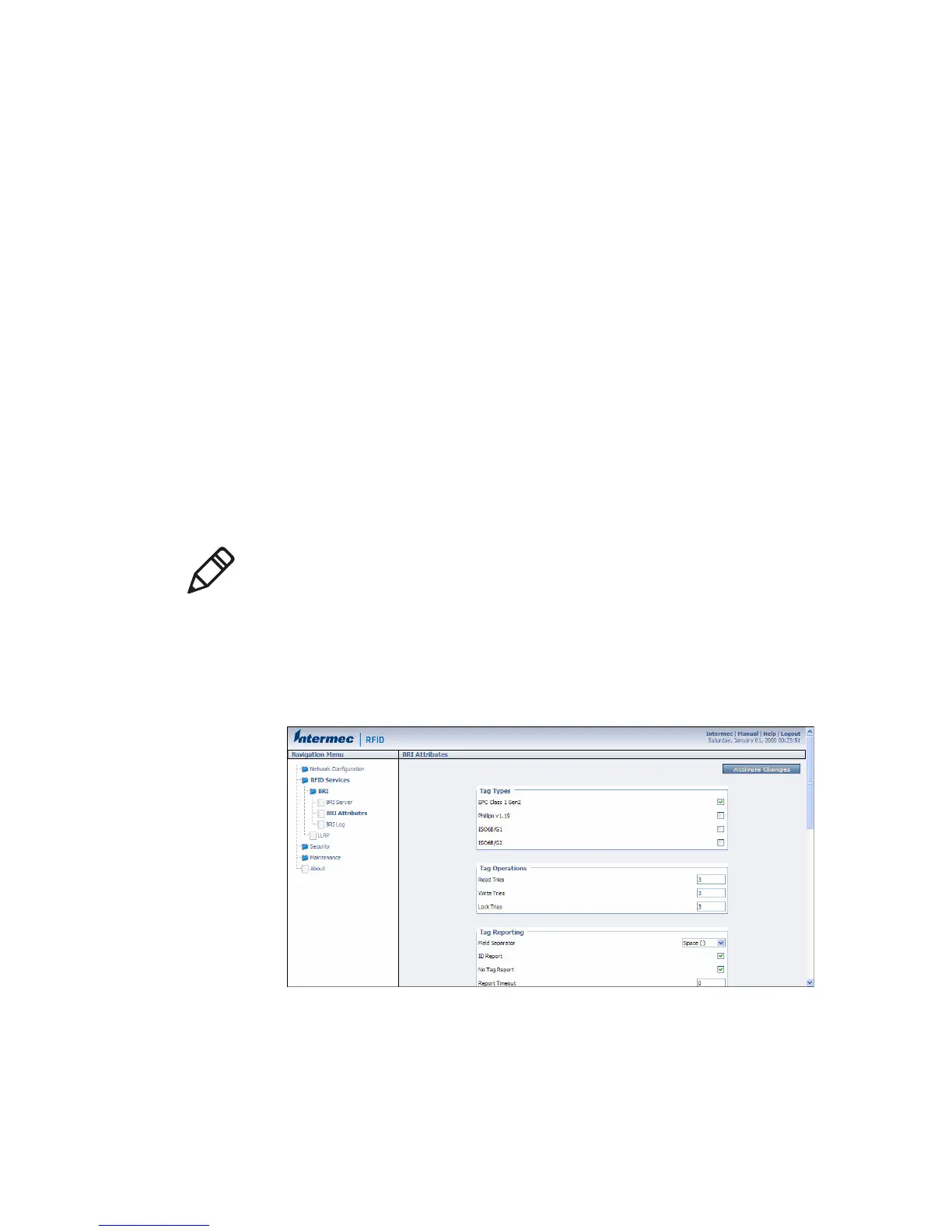
To change BRI attribute settings
1 From the menu, click RFID Services > BRI > BRI Attributes. The
BRI Attributes screen appears.
2 Change RFID settings as needed. For help, see the next section.
3 Click Activate Changes to save your changes and immediately
make them active.
Note: The BRI attribute settings in the web interface define the
default BRI attributes when a client initially connects to the BRI. The
settings do not change the attributes of any current BRI sessions.



 To Next Page