Chapter 5 — Manage, Troubleshoot, and Upgrade the IF2
64 IF2 Network Reader User Manual
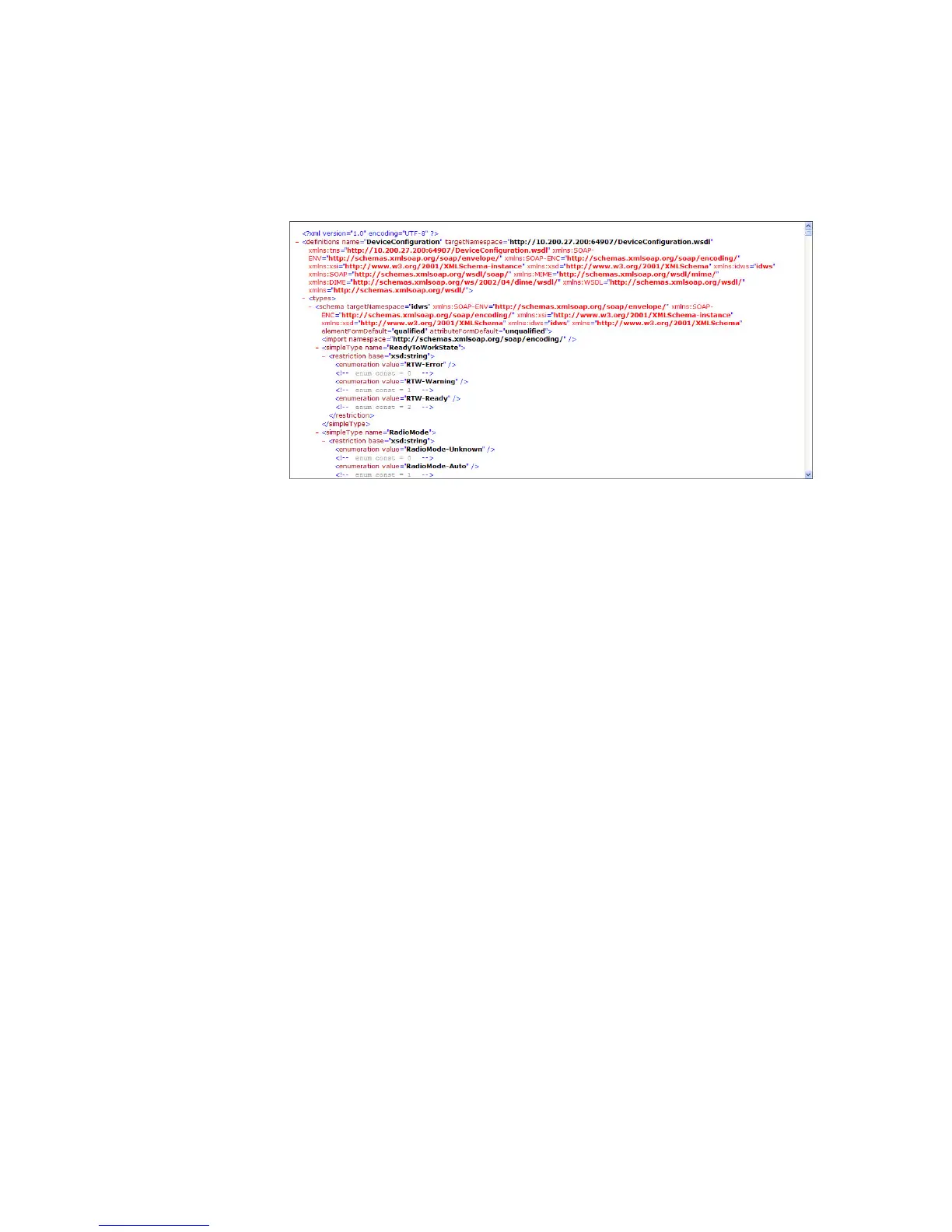
To download the device configuration WSDL document, click
DeviceConfiguration.wsdl. The document opens in the browser
window.
Open a Serial or USB Connection to the IF2
You can connect the IF2 to your desktop PC via the serial or USB port
to perform these tasks:
• Assign the IF2 an initial IP address.
• Restore default settings.
• Establish a BRI session.



 To Next Page