Chapter 1 — About the RFID Reader
18 IF2 Network Reader User Manual
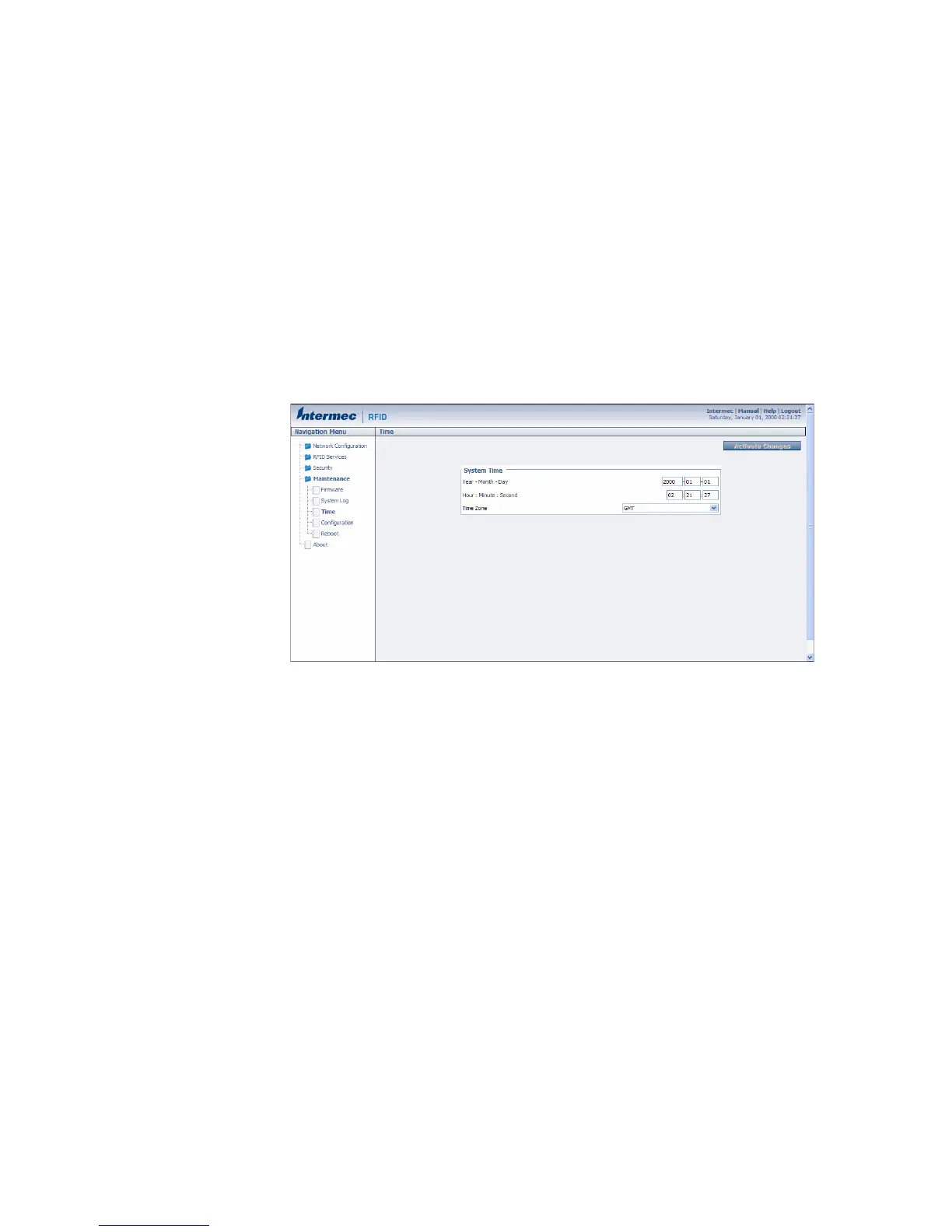
Set the Date and Time
After you have installed the IF2, you can set the date and time via the
web browser interface.
To set the date and time
1 Connect to the IF2 via the web browser interface. For help, see
“Use the Web Browser Interface” on page 11.
2 In the web browser screen, click the date and time in the upper
right corner. The Time screen appears.
3 Choose your time zone from the drop-down list and then click
Activate Changes.
4 Enter the current month, day, and year in the entry fields.
5 Enter the current hour, minute, and second in the entry fields.
6 Click Activate Changes. The new time and date are set.



 To Next Page