Chapter 3 — Develop and Use RFID Applications
IF2 Network Reader User Manual 47
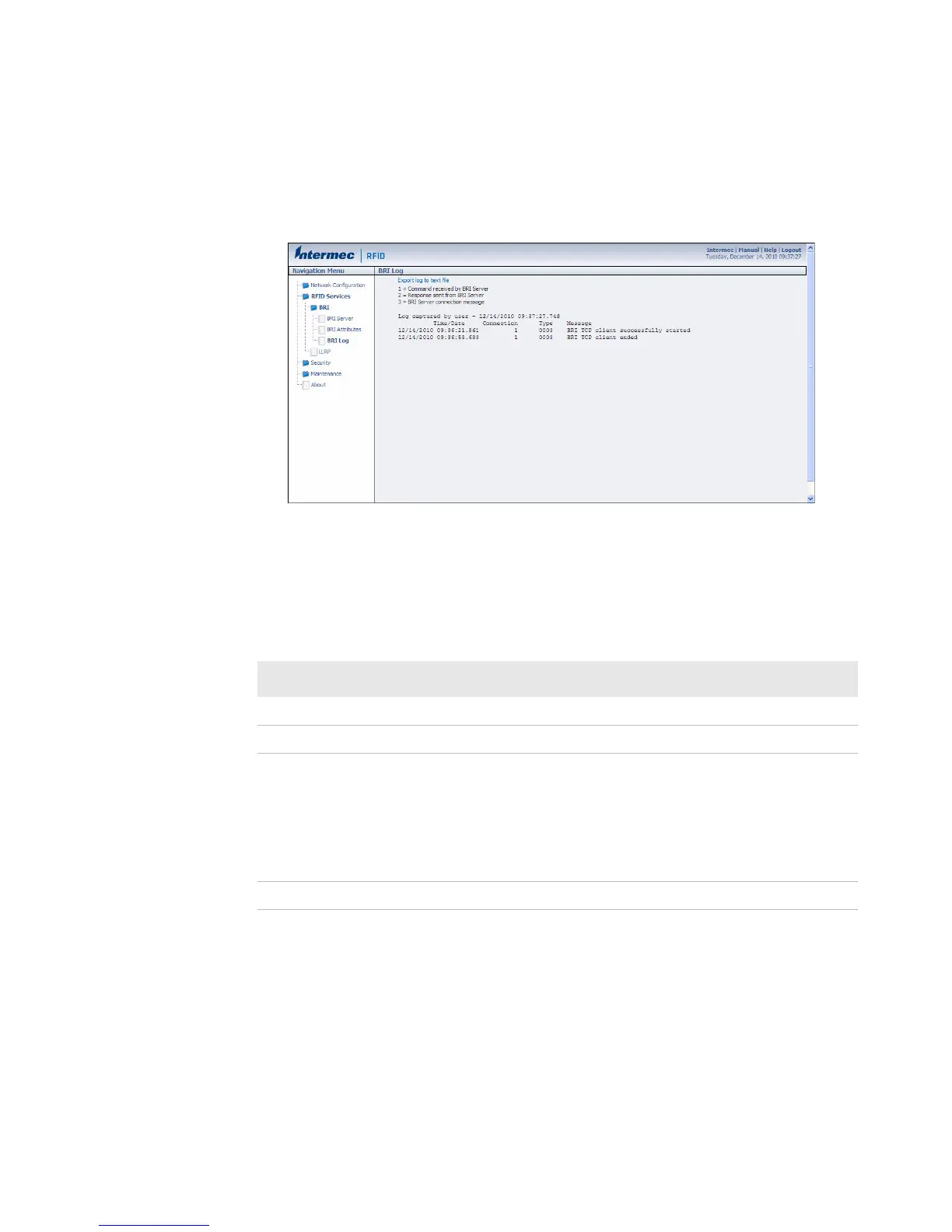
2 In the left navigation list, click RFID Services > BRI > BRI Log.
The BRI Log screen appears with a list of BRI events. For more
information on server events, see the next table, “BRI Event
Descriptions.”
3 To save the log file, click Export log to text file and then choose
File > Save As. Follow the prompts to save the log file to your
desktop PC.
BRI Event Descriptions
Event Name Description
Time/Date Time and date of the event.
Connection Session ID of the client communicating with the BRI server.
Type Message type of the event, generally indicating which system
sent the message:
1 = Command received by BRI server
2 = Response sent by BRI server
3 = BRI server connection message
Message Text of the message, including responses.



 To Next Page