Chapter 1 — About the RFID Reader
IF2 Network Reader User Manual 9
To assign an initial IP address
1 Open a serial connection to the IF2. For help, see “Open a Serial
or USB Connection to the IF2” on page 64.
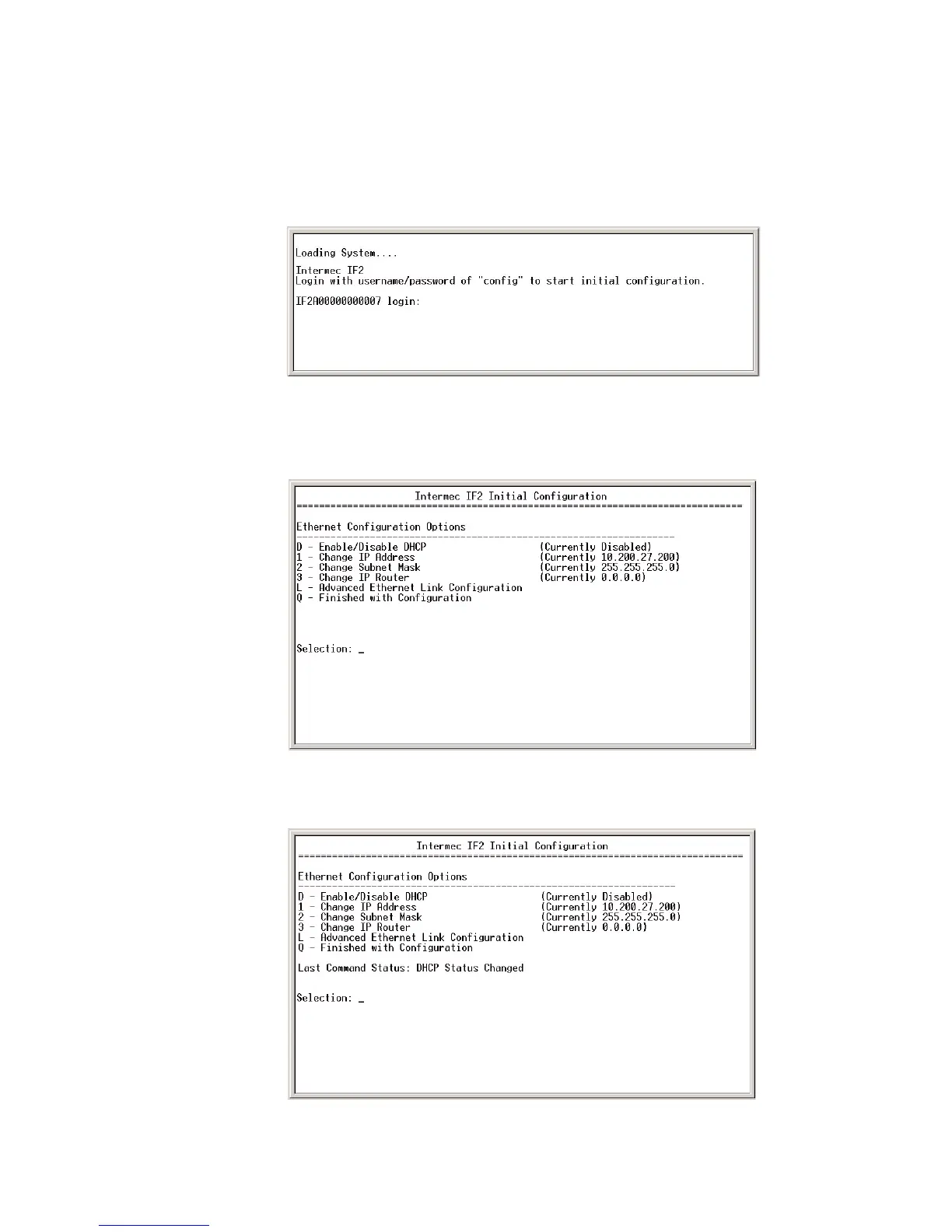
2 Type config and press Enter, and then type config again in
the Password field and press Enter. The IF2 Initial Configuration
screen appears.
3 If DHCP is enabled, press D. DHCP is disabled and the Ethernet
Configuration Options screen appears.



 To Next Page