Chapter 1 — About the RFID Reader
12 IF2 Network Reader User Manual
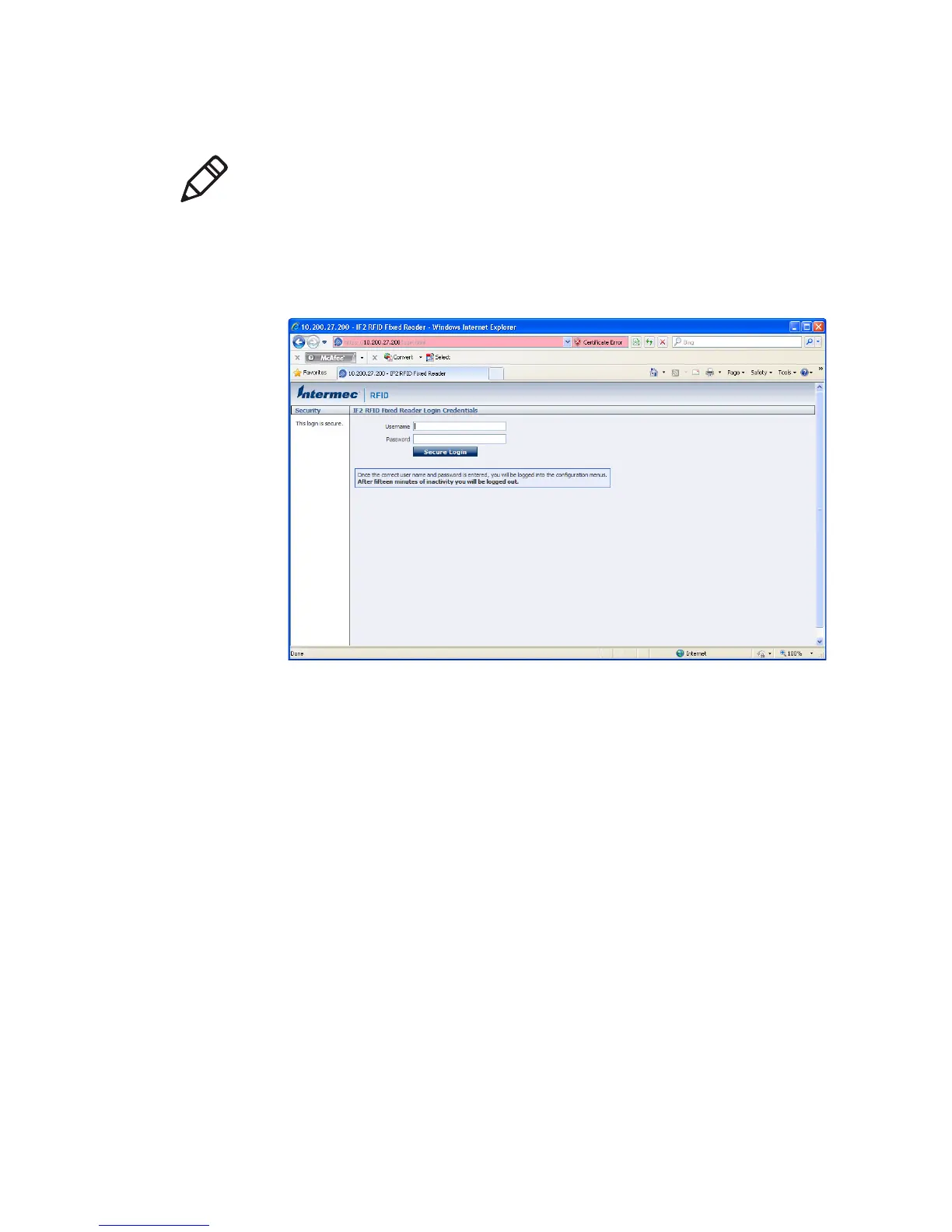
IF2 Secure Login Screen
4 If necessary, enter a user name and password. The default user
name is
intermec and the default password is intermec. You can
define the user name and password. For help, see “Set Up Logins”
on page 28.
Note: If a security alert message appears:
• Click Yes to continue to the secure login screen.
• Click No to cancel.
• Click View certificate to see the security certificate before
continuing.



 To Next Page