Chapter 2 — Configure Network Settings
IF2 Network Reader User Manual 23
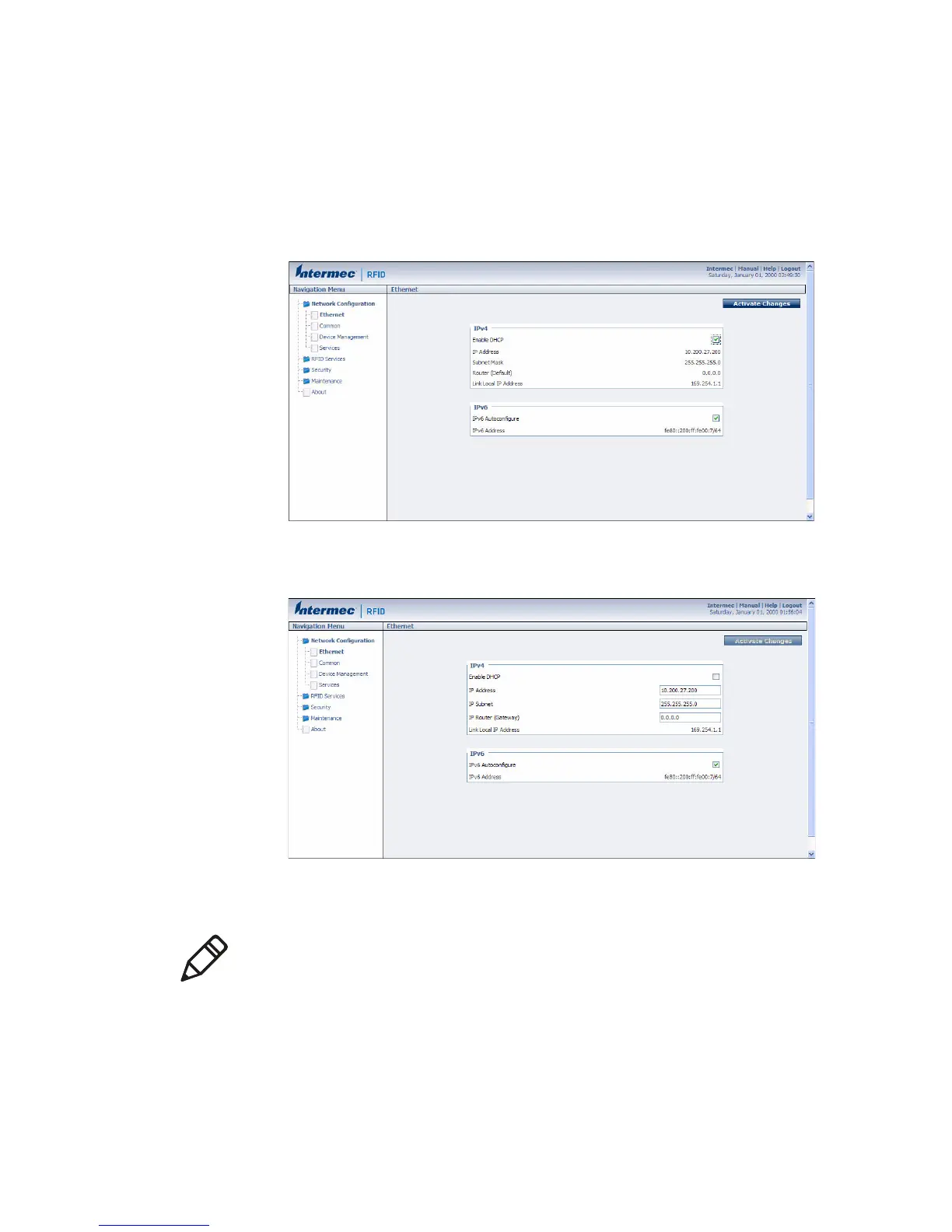
To configure Ethernet settings
1 From the menu, click Network Configuration or Ethernet in the
left pane. The Ethernet screen appears.
If DHCP is enabled, you see this screen:
If DHCP is disabled, the current values for IP address, subnet
mask, and router appear in entry fields:
2 Configure the Ethernet settings. For help, see the next table.
If you need to configure other network settings such as DNS
addresses and suffixes or a SYSLOG destination, see “Configure
Common Network Settings” on page 25.
Note: Different settings appear in this screen depending on the
current DHCP mode for the IF2.



 To Next Page