Chapter 5 — Manage, Troubleshoot, and Upgrade the IF2
76 IF2 Network Reader User Manual
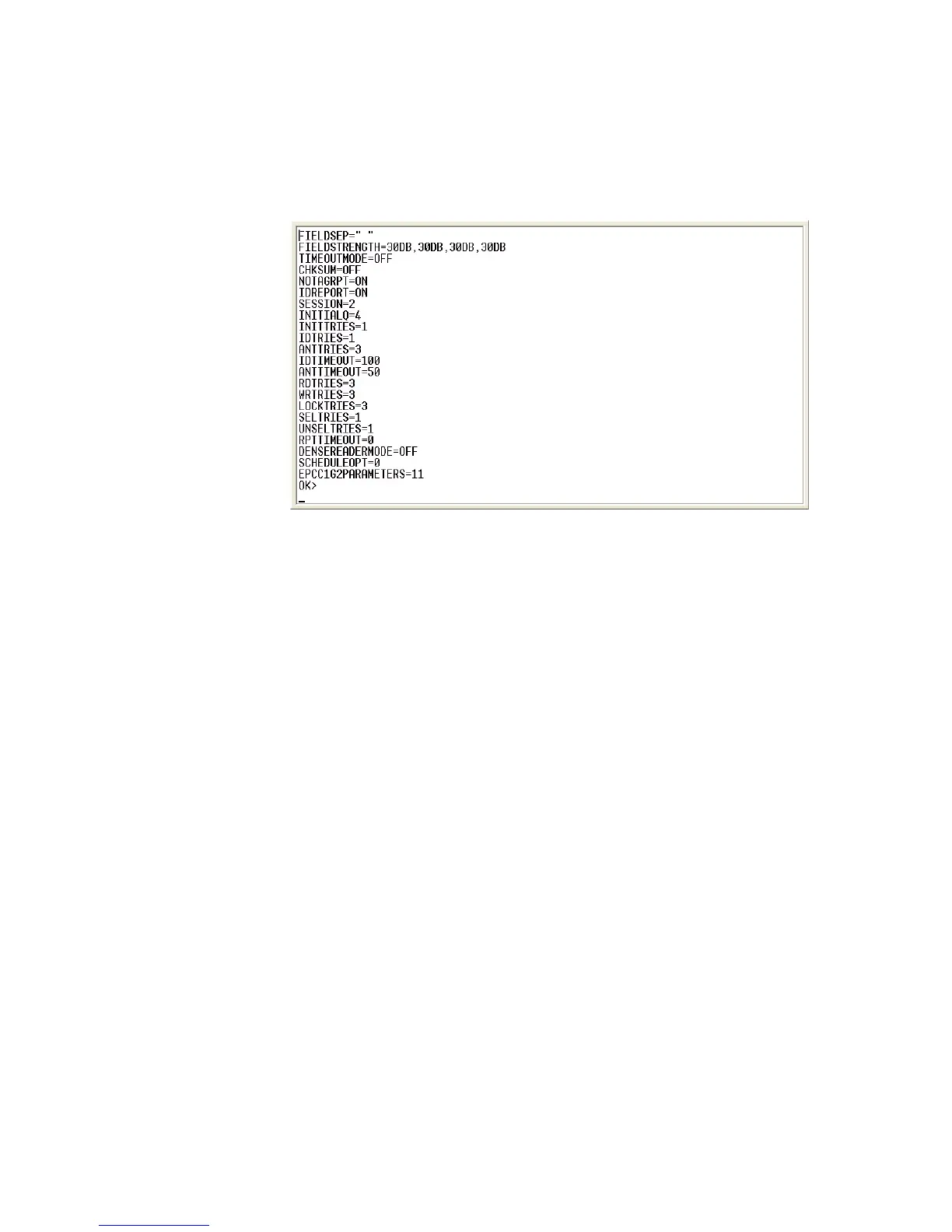
5 Type ATTRIB and press Enter. A list of the current settings for the
RFID module appears, indicating that the module is receiving
commands.
If the list does not appear, there may be a problem with the RFID
module.
6 (Optional) To verify that the RFID module is reading tags:
a Place a known good RFID tag within range of the antenna.
b Type READ and press Enter. The tag ID appears, indicating
that the module is reading tags.
If the tag ID does not appear, there may be a problem with the
RFID module or antenna system.



 To Next Page